Explain the workflow before users enter the tool
A good AI image page should teach what can be made and how to start, instead of hiding all value behind a control-heavy panel.
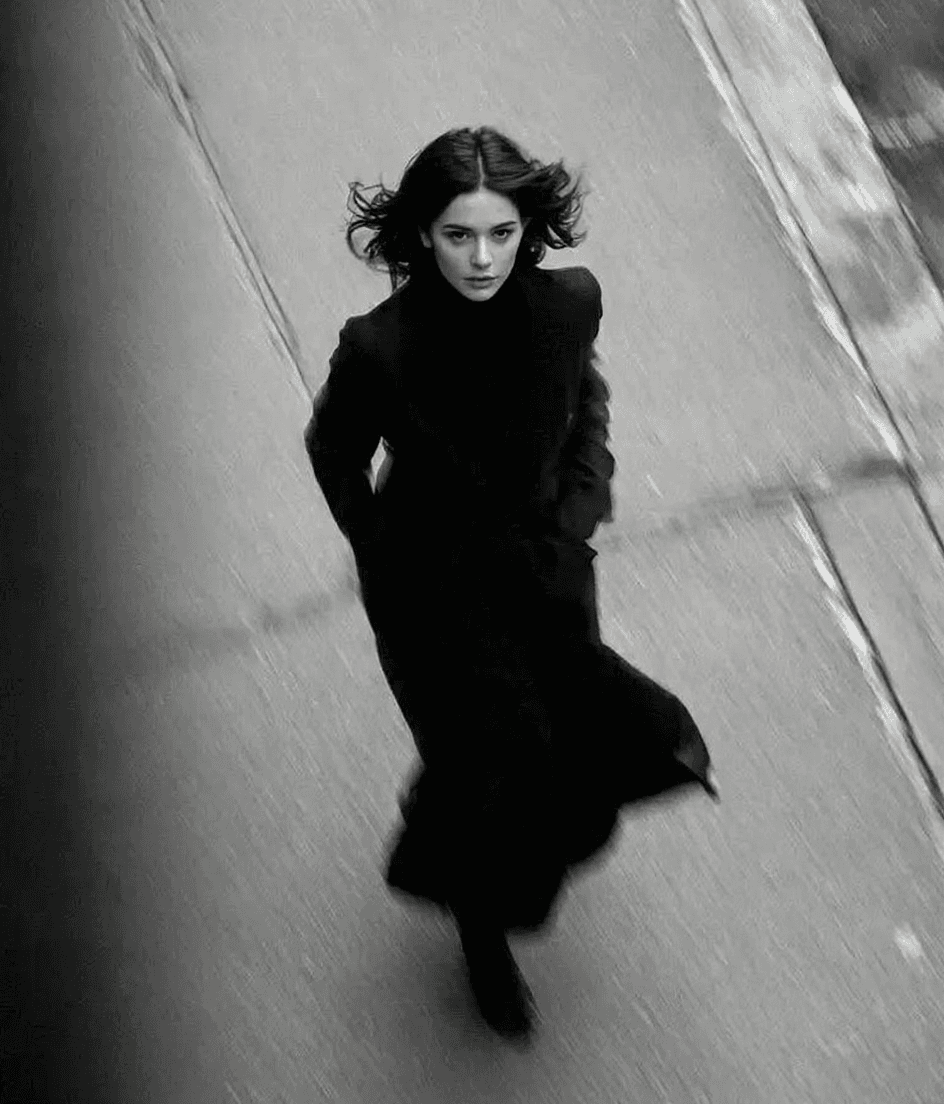
Create high-quality visuals with the Artlist AI image generator, using the most advanced image models. Start with a simple prompt or upload image references to instantly generate and edit unique images in seconds, speeding up your creation process.
The Artlist reference makes image generation feel understandable before it feels technical. This version follows the same idea by connecting models, prompts, references, and output scenarios in one flow.
A good AI image page should teach what can be made and how to start, instead of hiding all value behind a control-heavy panel.
Visitors can start from a prompt or from an existing visual, which better matches how commercial teams actually create images.
The page keeps the Artlist-style emphasis on practical creative work rather than presenting image AI as a generic novelty tool.
Nano Banana and Nano Banana Pro should feel like contextual decisions about speed and quality, not just a dropdown detail.
The section follows the Artlist image-page rhythm, while the sample media and model references stay aligned with the local image workflow and available assets.
Generate mood-led brand imagery, ad directions, and campaign concepts so teams can align on style before deeper production work.
Use prompt-based or reference-based generation to create product scenes, social visuals, and quick visual alternatives.
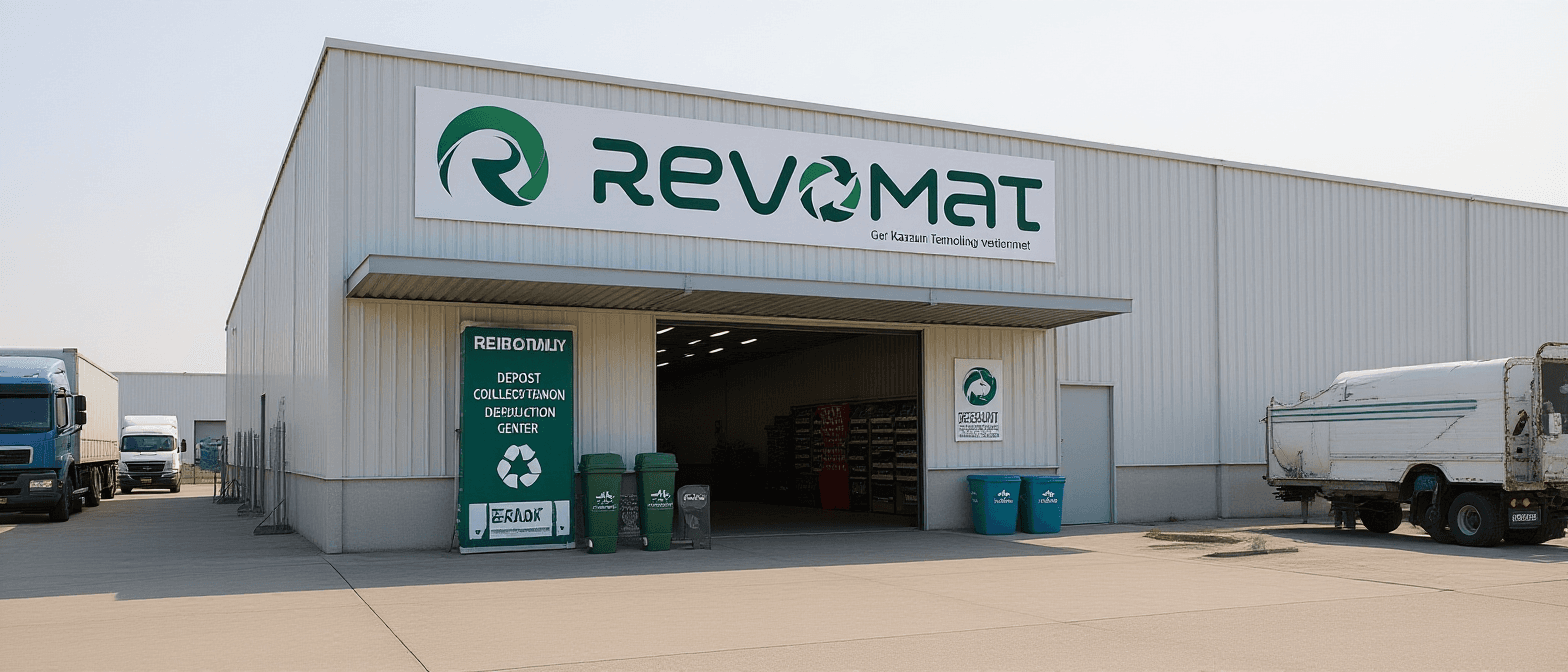
Push one base visual into multiple art directions through restyling, repainting, and reference-guided variation.
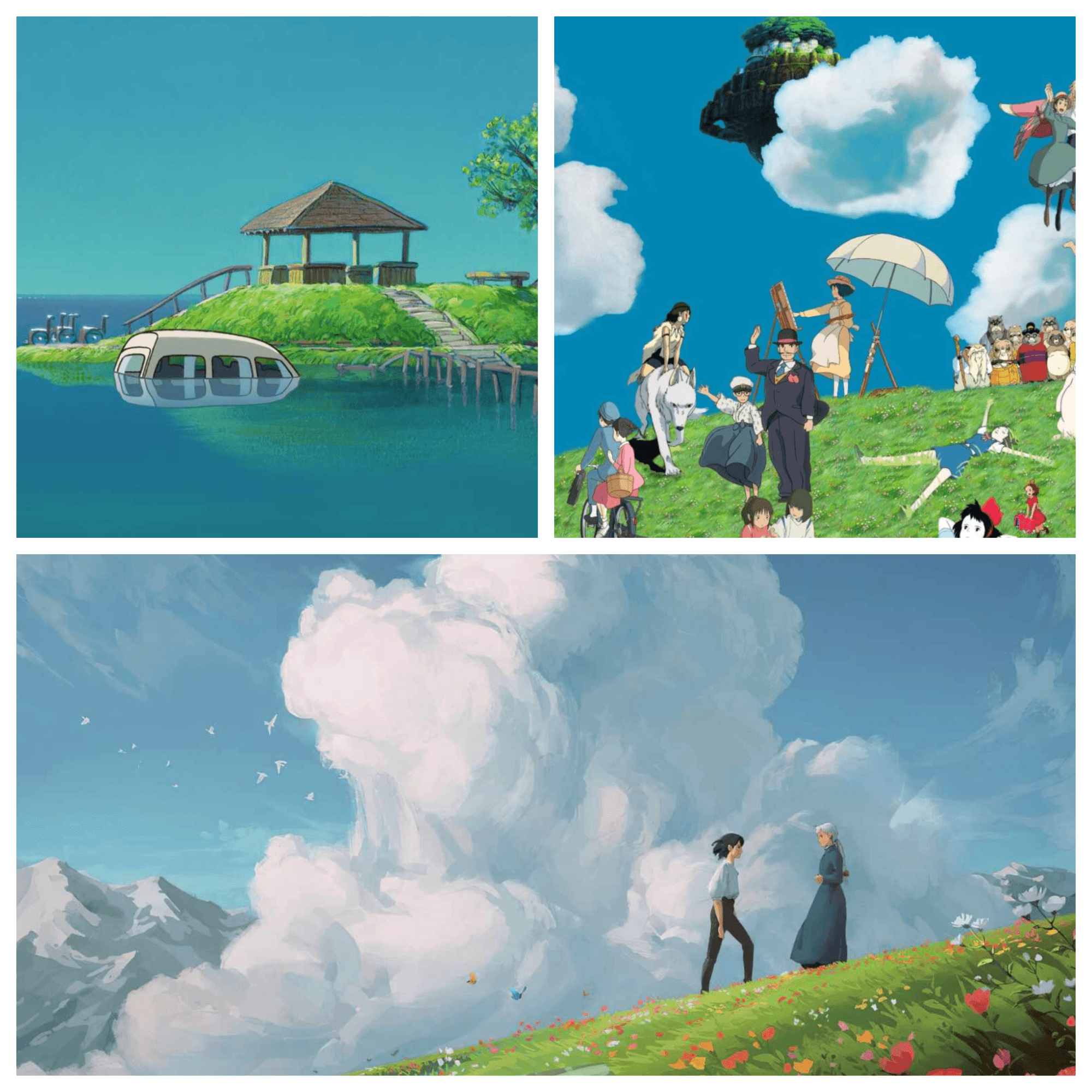
Following the Artlist image-page content logic, the path stays simple: choose a model, write a prompt or upload a reference, then generate and refine.
Decide whether you are starting with text-to-image or image-to-image, then switch between Nano Banana and Nano Banana Pro based on speed and quality needs.
The audience framing borrows from the Artlist page logic, but the roles are adapted to how brand, ecommerce, design, and content teams use image generation here.
Try AI Image GeneratorCreate campaign visuals, moodboards, and key visual directions quickly enough to improve review cycles and creative alignment.
Use it for alternate product scenes, lighting changes, background swaps, and faster comparison across several visual directions.
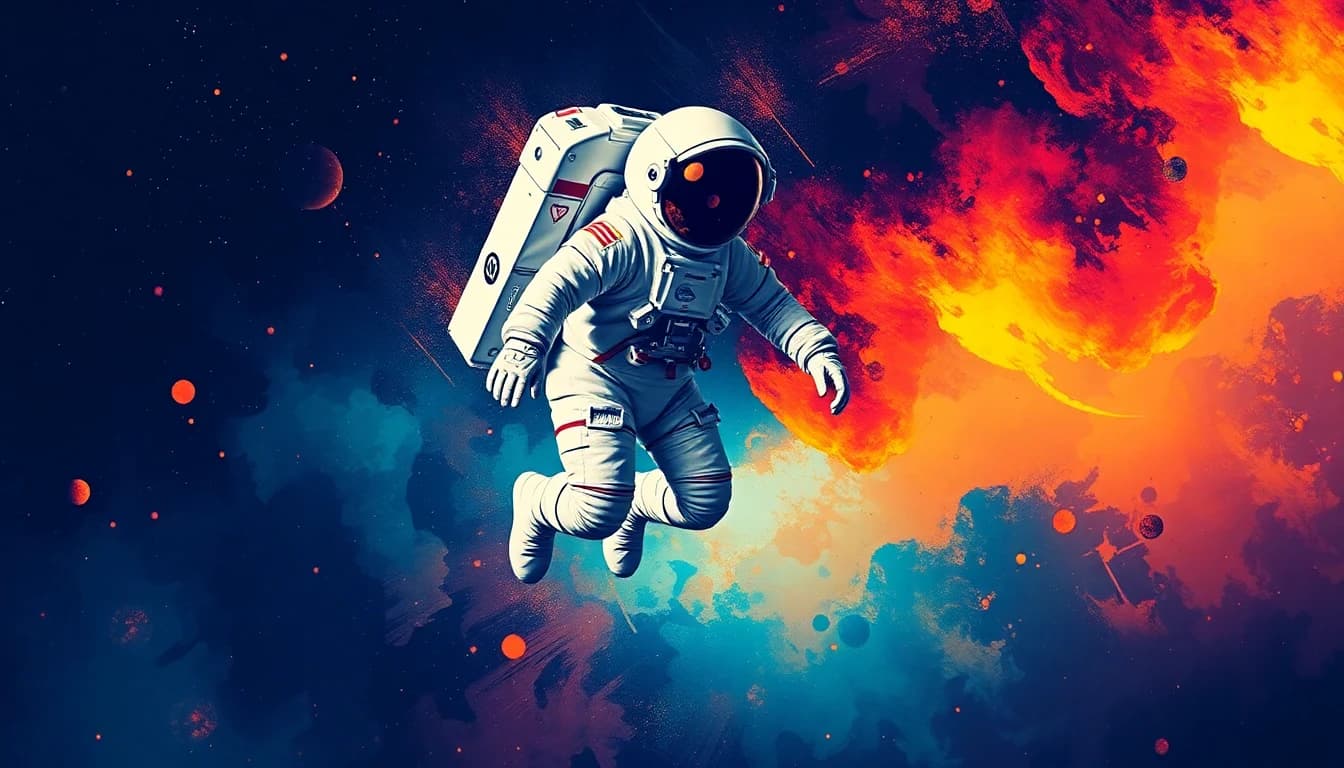
Generate covers, social-series visuals, style studies, and concept frames in a workflow that supports repeated iteration rather than one-off outputs.
The Artlist image reference emphasizes models, inputs, and output quality. This version keeps that structure while tailoring the language to the actual product surface.
Prompt-led image generation is the fastest way to move from idea to visual direction when the concept starts in words.
Reference-based generation is better for repainting, restyling, and commercial variation when a base image already exists.
The model choice between Nano Banana and Nano Banana Pro should be visible early because it changes how users think about speed and fidelity.
A serious AI image page must make it clear that the tool is meant for ads, ecommerce, and brand visuals, not only playful experiments.
Creative teams usually need multiple related outputs, so the page is framed around variation and continuity rather than a single generated image.
Move into the unified workspace when you already know you want the full image-generation controls.
Use the Nano Banana model page if you want to focus on faster generation and a lighter workflow entry point.
Open Nano Banana Pro when your priority is higher-quality commercial imagery and a more premium model positioning.
The FAQ themes take cues from the Artlist image generator page, but the answers are rewritten to match the current site and image workflow.
Join the future of video creation with VEO 3. Access advanced AI video generator and experience it today.