Prompt the way you think
Nano Banana is easier to steer with plain-language prompts, which makes rapid ideation and experimentation much faster.
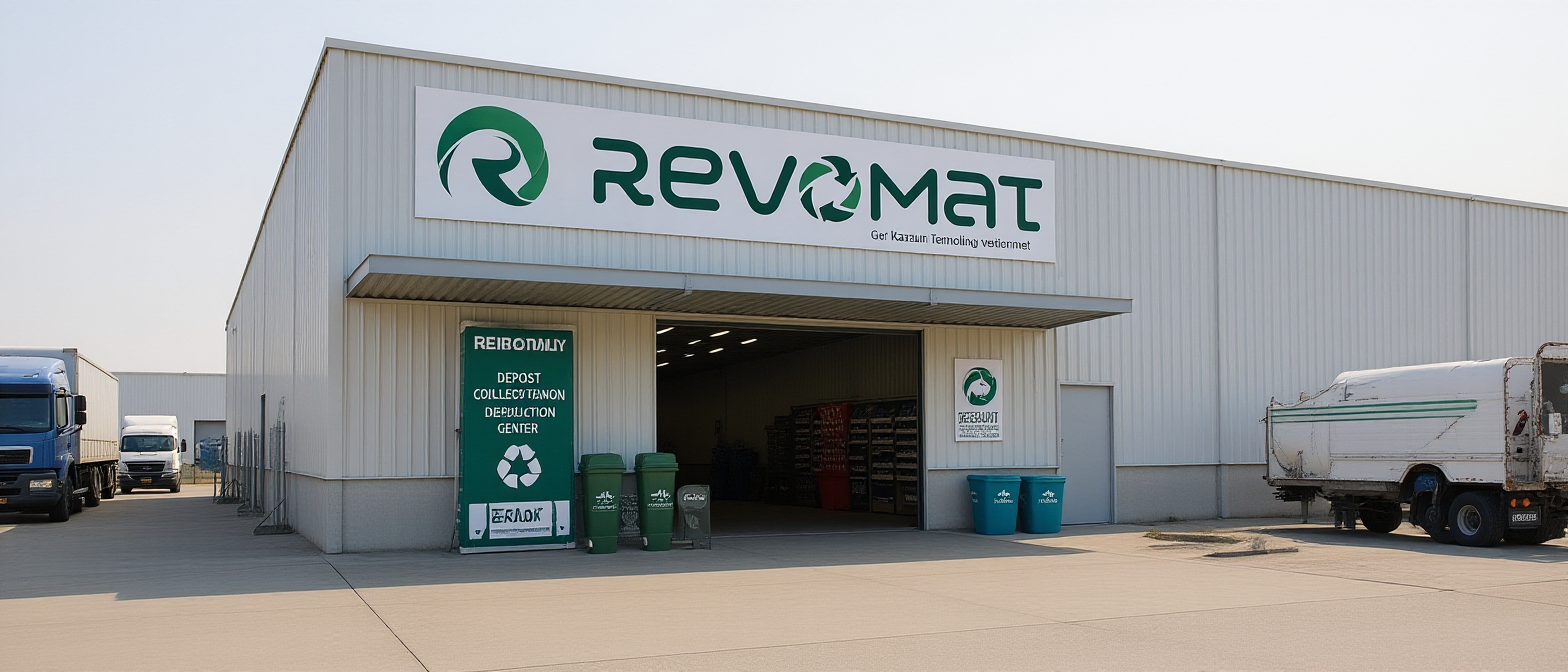
Waiting for your creations!
Based on the VoWo AI Nano Banana page, this model stands out for speed, natural-language prompting, image blending, consistent subject handling, and fine-grained editing instead of maximum-spec image delivery.
Start creatingNano Banana is easier to steer with plain-language prompts, which makes rapid ideation and experimentation much faster.
Combine elements into a single image while keeping lighting, proportion, and the overall scene feeling coherent.
Better suited to repeated edits and multi-image sets where subjects, products, and styles need to stay recognizable.
Update one part of an image without rebuilding everything, which is useful for background swaps, object changes, and local refinements.
A premium skincare serum bottle with glass condensation, studio softbox lighting, pastel mint accents, ecommerce-ready framing.
A vertical 9:16 tech creator thumbnail, neon magenta and cobalt gradient, centered headline-safe space, futuristic particles.
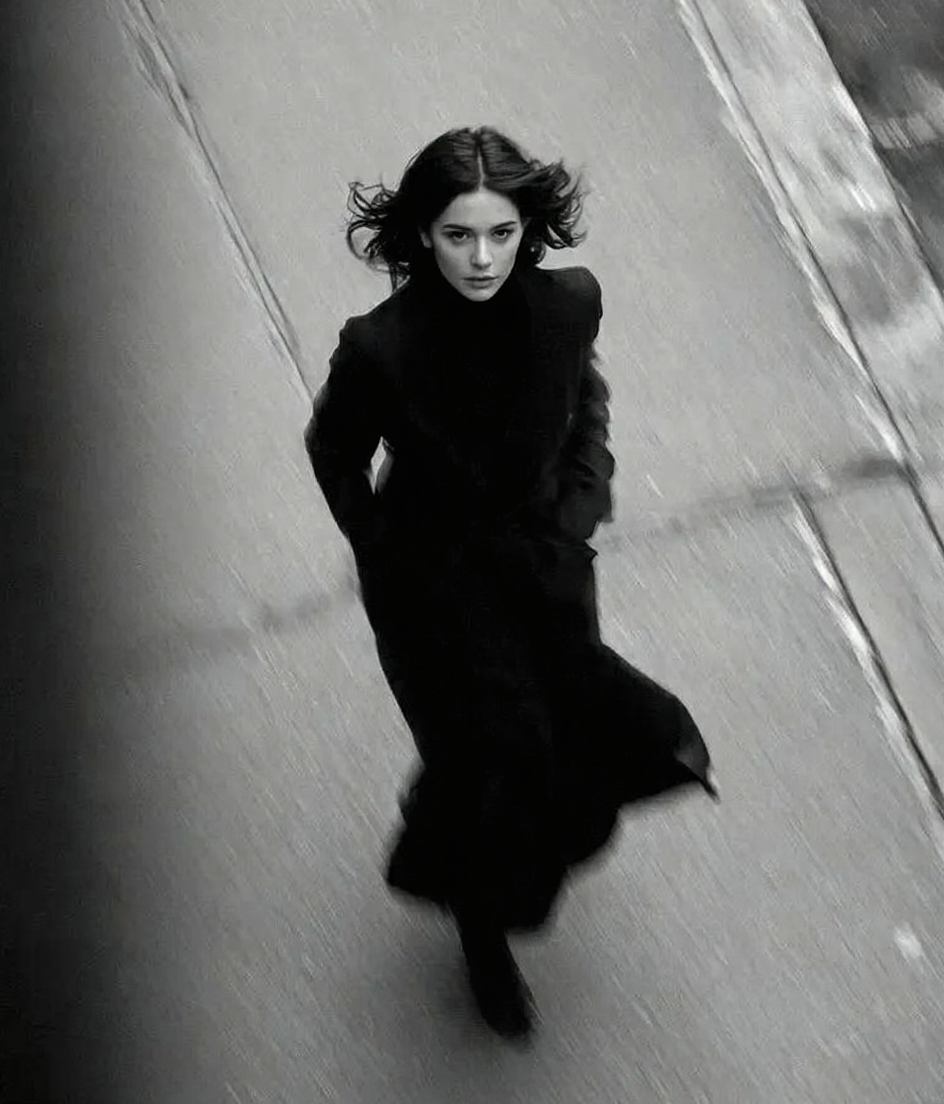
The workflow stays simple: choose the model, add a prompt or reference image, then generate and iterate quickly.
Start creatingUse the workspace above and switch to Nano Banana in text-to-image or image-to-image mode depending on the task.
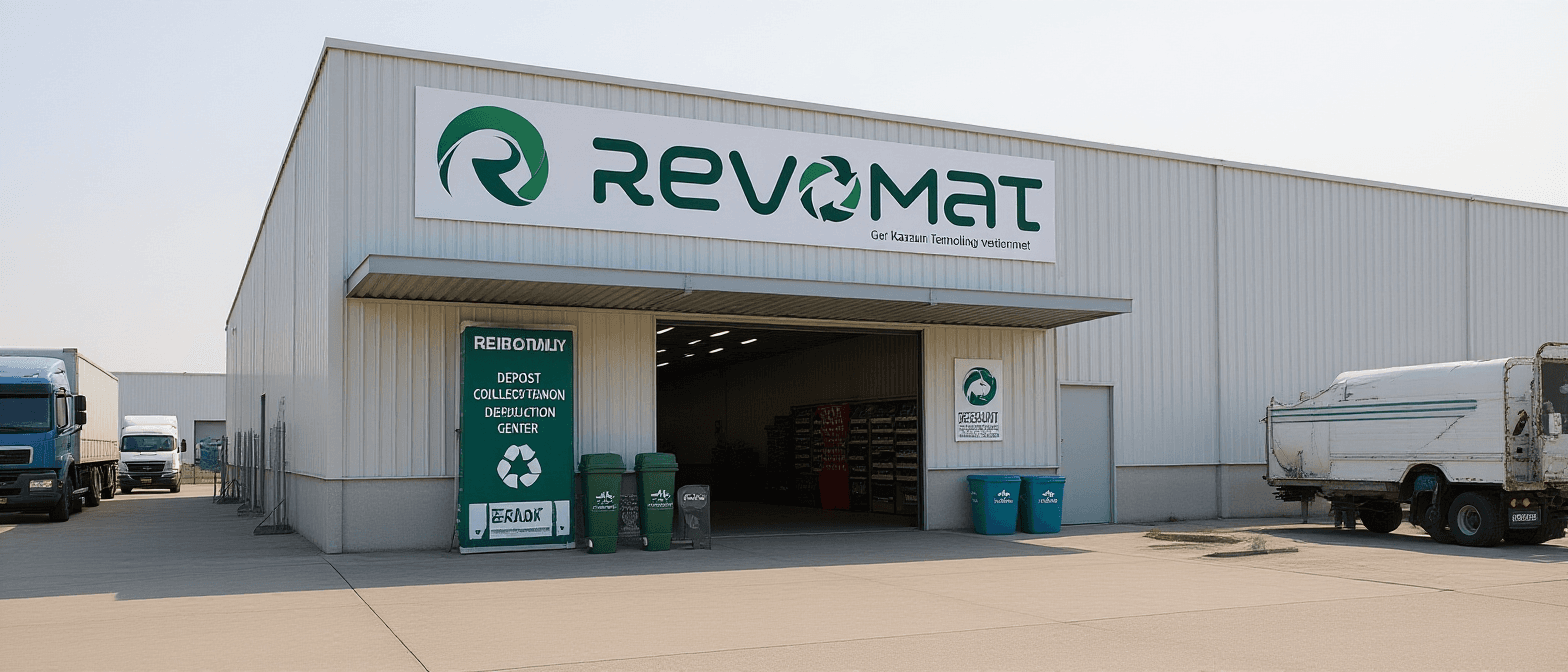
Nano Banana is especially useful for teams that need frequent, fast image generation and quick feedback loops rather than the highest-end final-output workflow.
Try Nano BananaCreate thumbnails, social visuals, and repeatable channel imagery quickly while keeping a consistent visual identity.
Draft campaign ideas, product concepts, and ad visuals faster so creative direction can be validated earlier.
Use it for mood boards, concept frames, story moments, and fast visual exploration before production becomes heavy.
These feature points are based on the VoWo AI Nano Banana page, rewritten to match Vowo’s image workflow and this model landing page.
Generate images in seconds so ideas can be tested, compared, and evolved quickly during early creative work.
Swap clothing, accessories, products, and smaller details with prompts while keeping the rest of the image more stable.
Preserve the visual look across edits so your direction stays consistent instead of drifting unexpectedly.
Change the mood, environment, or tone of the image while preserving the subject and key composition.
Plain-language instructions are enough to move quickly, which lowers the friction of rapid experimentation.
Compare Nano Banana with the more advanced Pro version if you need higher output quality and stronger professional controls.
If you want a broader image workspace instead of one model page, continue inside Image AI.
Use the prompt library if you want stronger prompt structure and image-creation inspiration.