Start from an existing image
Upload a JPEG, PNG, or WebP image and keep the original visual context before asking AI to transform it.
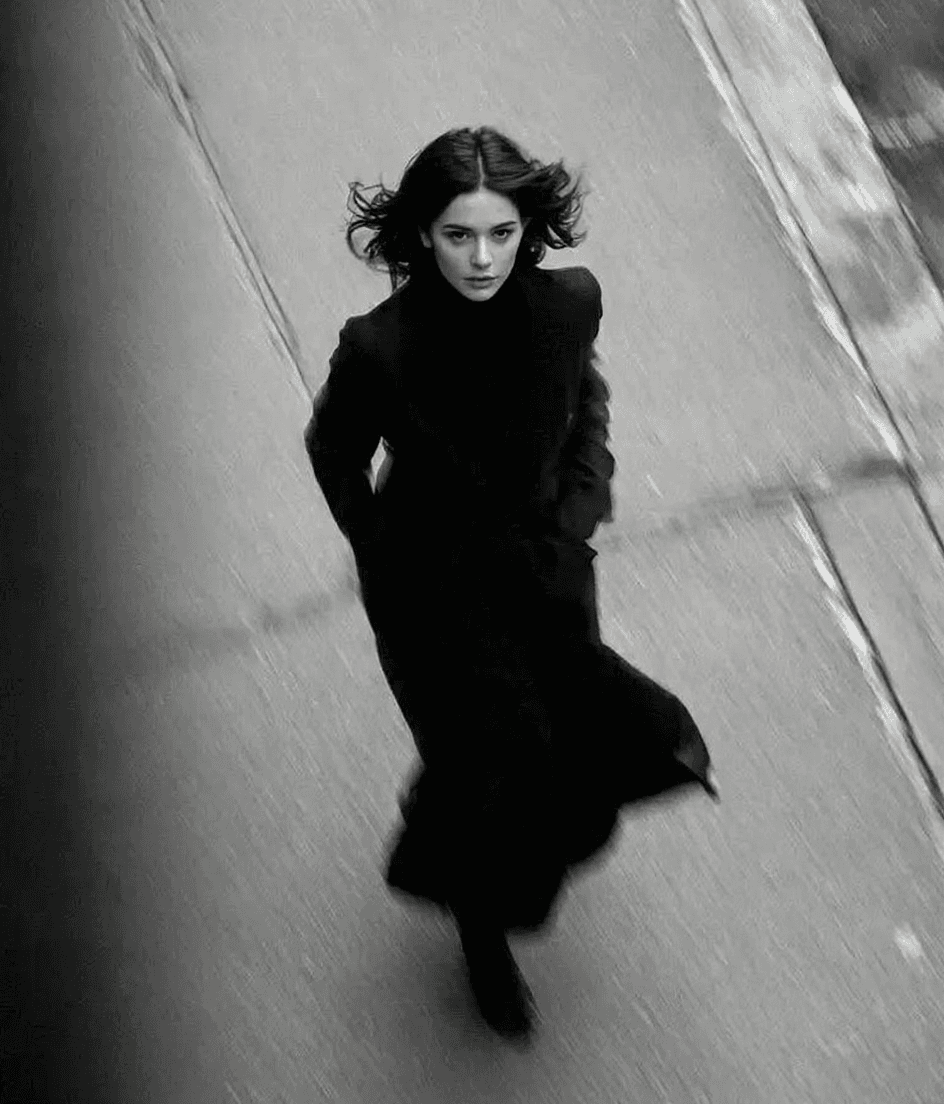
Upload an image, describe the change you want, and generate an edited result in the same focused workspace.
Powered by SiliconFlow Flux Model
Sample images will appear here
Upload an image and describe your edits to get started.
The page keeps the AI Image Generator visual style while focusing the tool on one direct editing flow: upload, prompt, generate, download.
Upload a JPEG, PNG, or WebP image and keep the original visual context before asking AI to transform it.
Use a concise prompt for background changes, style shifts, cleanup, object edits, or creative variations.
The generated image appears directly below the editor so you can review output without leaving the page.
Save the edited result as soon as the generation completes, keeping the free tool lightweight and practical.
Use the same AI-image landing style, but keep the page centered on source-image editing instead of broad model exploration.
Restyle an uploaded image into a cleaner, more expressive visual direction while preserving the subject.
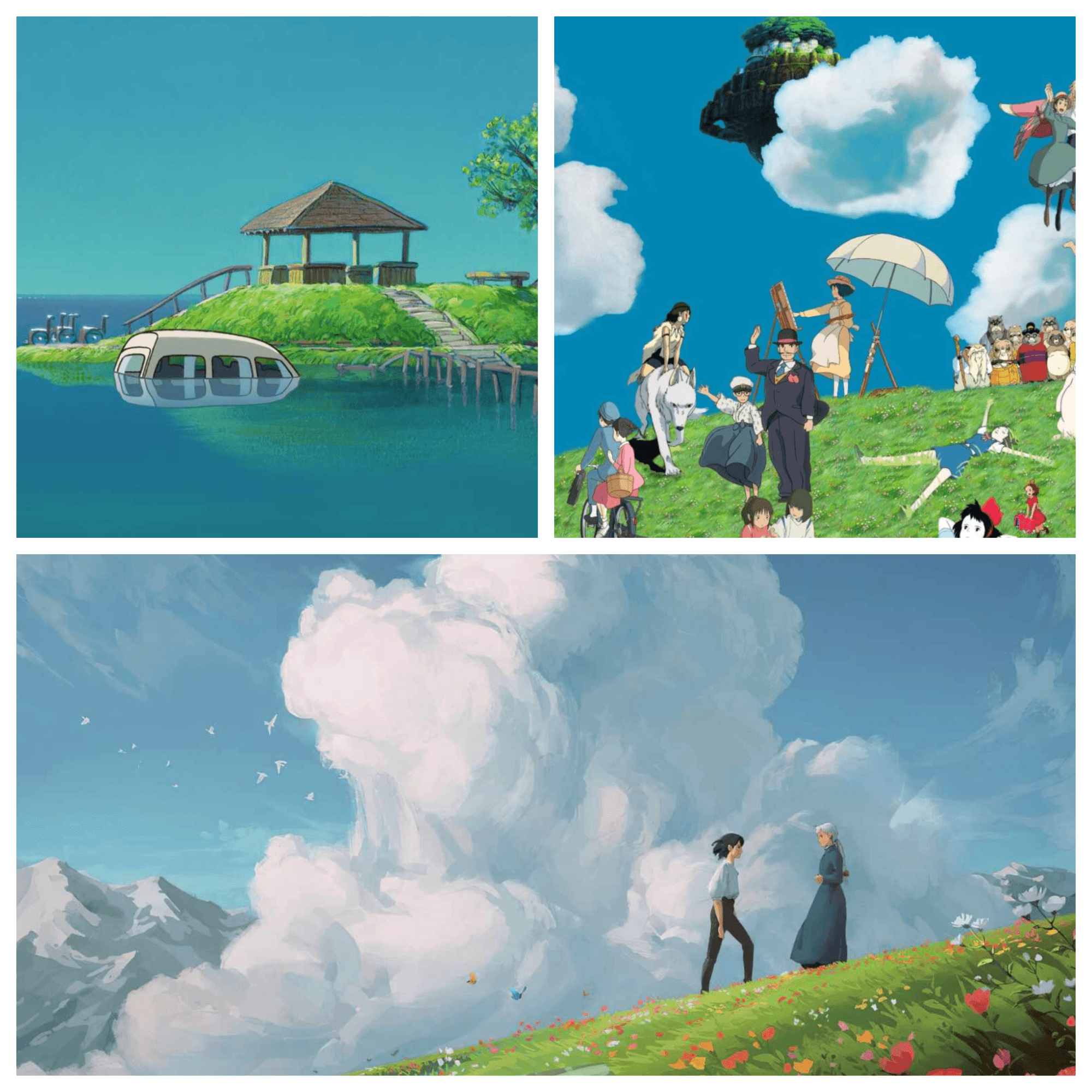
Generate a new version of a source image for social posts, concepts, product scenes, and campaign drafts.
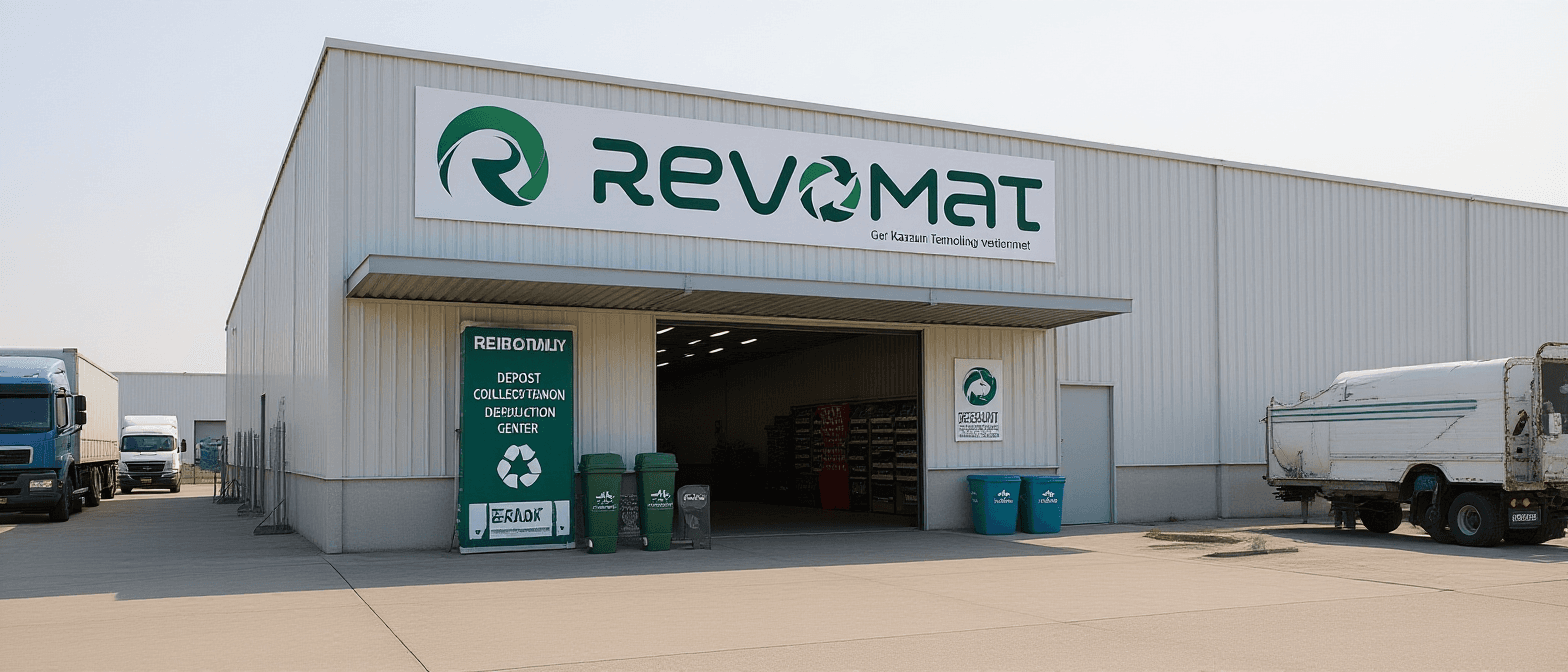
Use prompt-based edits to improve an image and download the generated result from the same page.
The free editor is best for lightweight image cleanup, creative style exploration, and fast content variations.
Try Free Image Editor
Make quick style changes and visual refreshes for posts, thumbnails, and creative drafts.
Turn a source visual into alternate campaign directions without opening a heavier design workflow.
Experiment with background, mood, and styling edits when a product or reference image already exists.
The redesigned page changes presentation only; the upload, prompt, generation, preview, and download flow remains intact.
Keep the existing source-image upload and preview flow for JPEG, PNG, and WebP files.
Use a text instruction to tell the editor what should change in the uploaded image.
Run the same generation endpoint and preserve the current loading, error, and result states.
Review the generated output directly in the editor and adjust your prompt for another pass.
Download the edited image using the existing result action once generation succeeds.
Use the full image workspace when you want broader model and mode controls.
Explore the faster model page for prompt-led and reference-guided image creation.
Switch to GPT Image 2 when you want the dedicated OpenAI image model page.
Learn more about our Free AI Image Editor and how to get the most out of this powerful image editing tool.
Transform your images instantly with our Free AI Image Editor. No signup required, no watermarks, completely free. Experience the power of AI-powered image editing today.