Kling 3.0 Turbo AI Video Generator
Create short videos from a prompt or an opening frame.
5s · 720p
Kling 3.0 Turbo Prompt Examples
See real results in text-to-video and first-frame image-to-video for people, motion, and fantasy scenes.
Create a 5 second video from the uploaded library first frame: pages fly out from shelves on both sides and spiral into a glowing time portal. A student reaches out and touches a floating page, and the library clock starts running backward; the shot rotates slightly as the surrounding room bends and warps with spatial distortion. Keep the student’s appearance and bookshelf structure continuous.
Core Capabilities of Kling 3.0 Turbo
Provides multi-shot planning, first-frame animation, and up to 15 second output for short ads and fast storytelling.
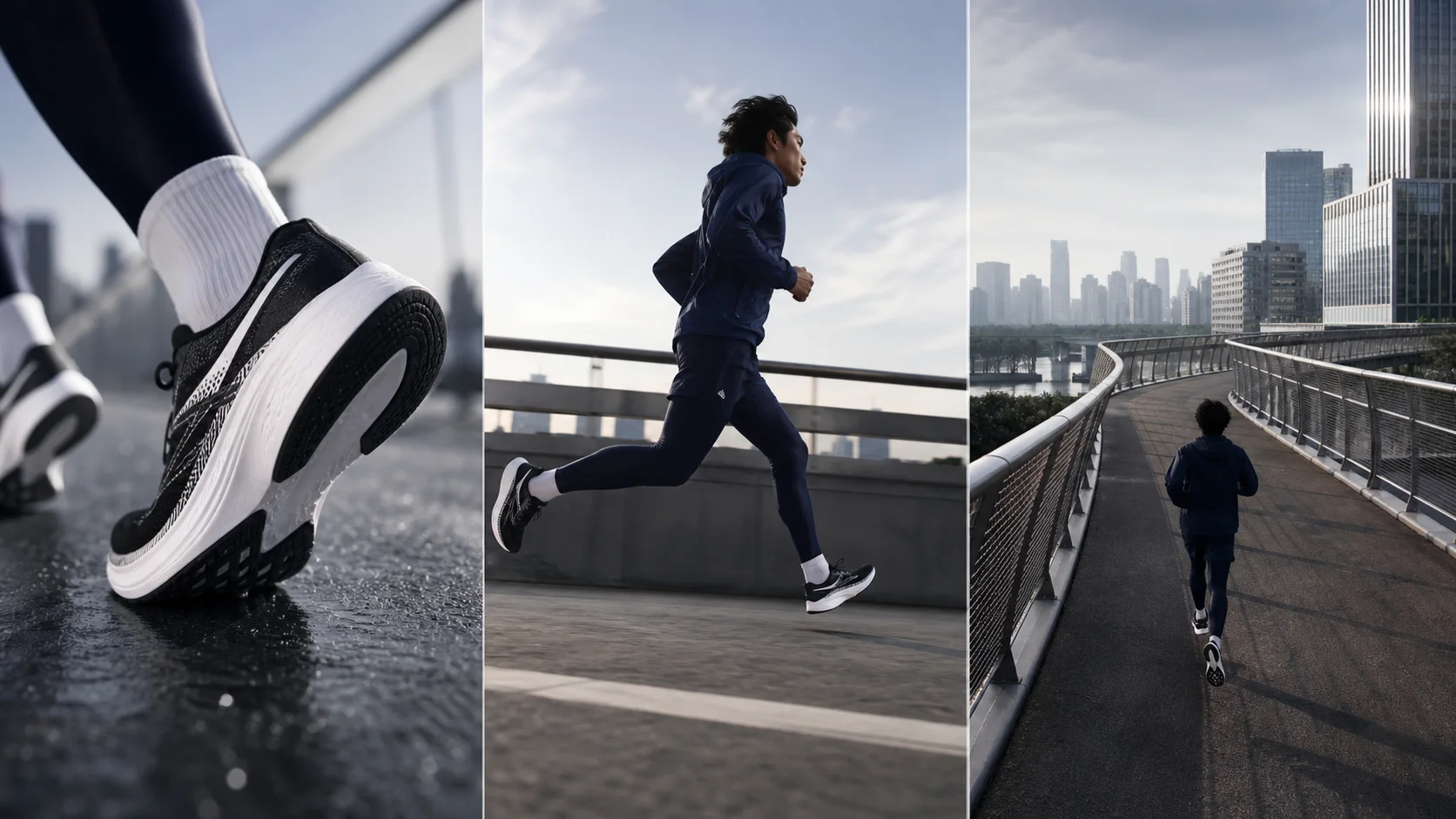
“Create a 9-second, 16:9 three-shot running-shoe ad. Shot 1, 3 seconds: extreme close-up of the shoe sole touching down. Shot 2, 3 seconds: low-angle side follow shot of the runner accelerating. Shot 3, 3 seconds: the camera rises and pulls away to show the runner crossing an urban overpass. Keep the shoe model, person’s clothing, and running direction consistent.”
Up to 6 shots planned with one prompt
You can write each shot’s duration, framing, angle, subject action, and camera movement in sequence, allowing the model to organize complete pacing within one video. Each shot should be at least 1 second, and the total shot durations should match the final video duration.
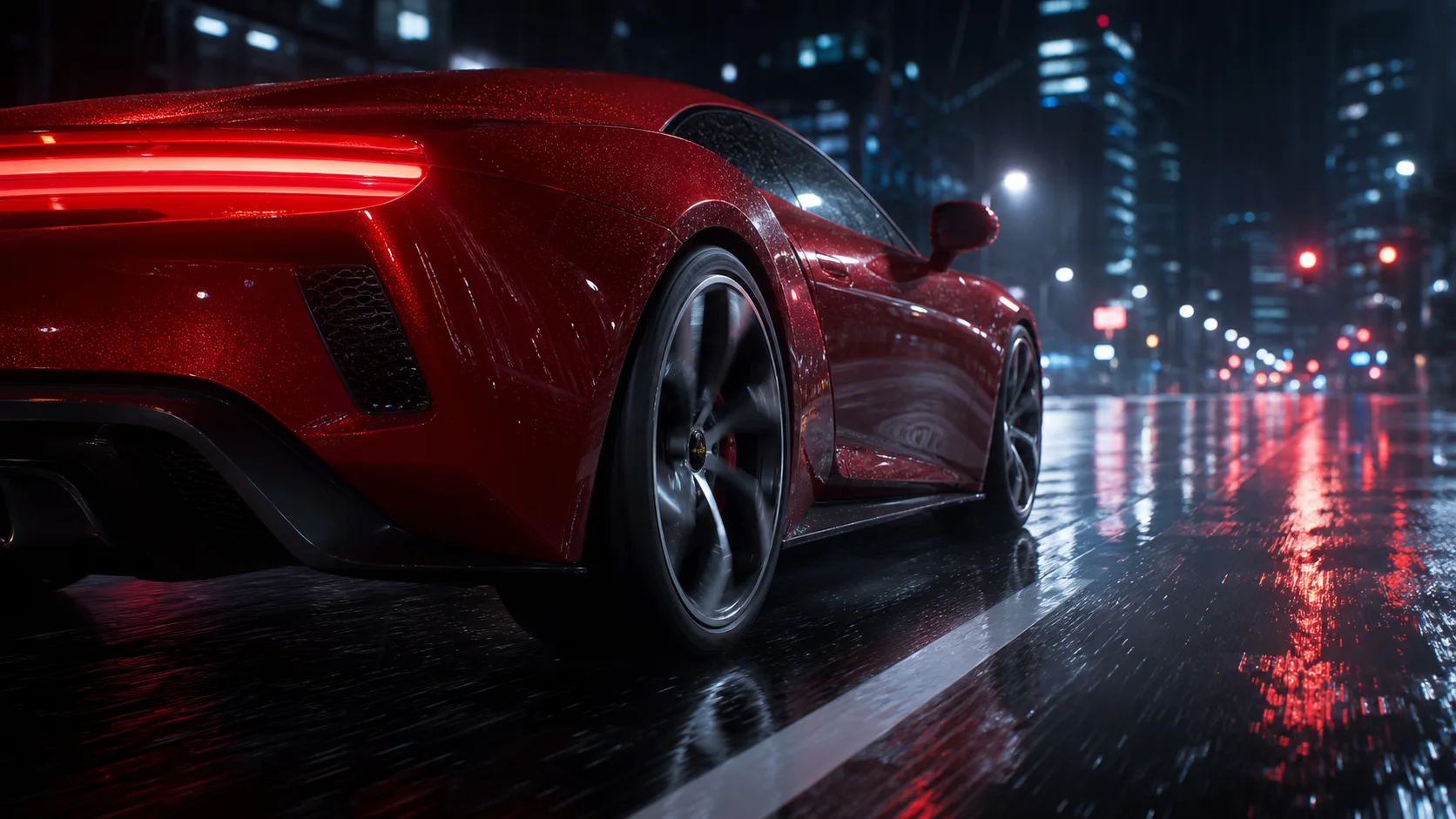
“Using an uploaded red sports car image as the first frame, start with a close move along the car body and then slide backward; the car starts up and drives into a rainy-night street. Keep car body style, paint color, headlights, and wheel structure, adding realistic road reflections and stable low-angle tracking.”
Generate a dynamic video directly from one first frame
Upload a product image, character image, or concept image as the video starting point. The model continues from the subject, composition, and aspect ratio of the first frame to generate motion. It is suitable for wrap-around products, character performances, and extending a static hero visual into a short video.
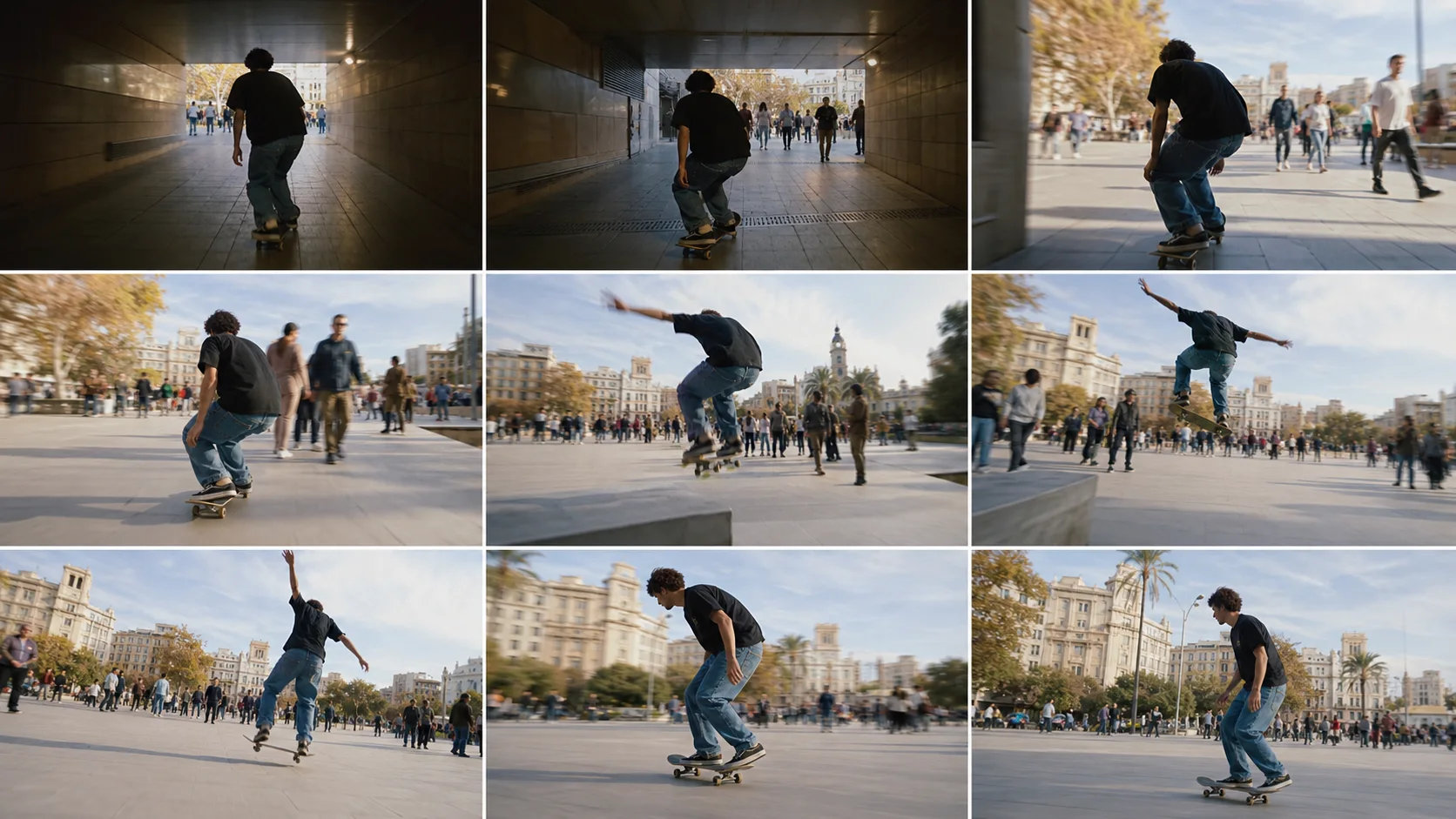
“Create a continuous 15-second shot: a skateboarder starts at a subway passage entrance, jumps once, and moves through a crowd. The camera follows from behind, then swings to the side, and finally pulls back to reveal an urban plaza. Keep the person, skateboard, and movement direction continuous throughout.”
3–15 second free-length clip control
You can create a 3-second visual hook, 5–10 second ad segment, or up to a 15-second full motion and small story. Choose an integer duration based on the story length needed and avoid spending credits for unnecessary length.
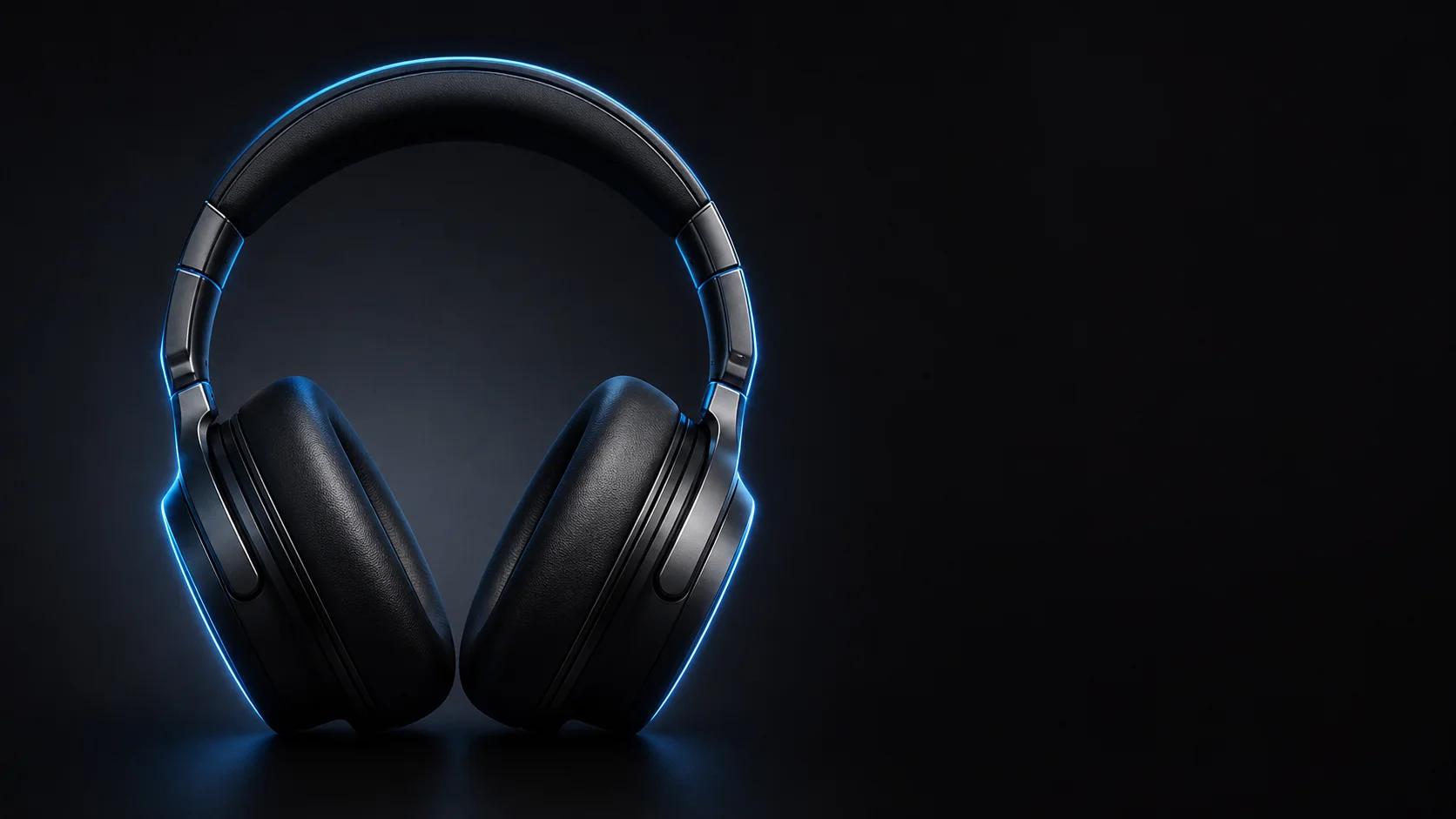
“Make a 6-second, 9:16 silent tech product short clip. A black headset slowly rotates into full view from the dark, with blue contour light tracing the earcup, pivot, and headband in order. Keep the final shot on a clear product close-up while preserving safe area composition for mobile.”
720p costs 41 credits per second, 1080p costs 51 credits per second
720p is ideal for quick concept and social content iterations, while 1080p is best for final options that need clearer detail of people, products, and environment. The core value of Turbo is faster turnaround, not lower cost than standard Kling 3.0; the current path does not generate audio.
Explore other models
Switch between top video models in one generator.
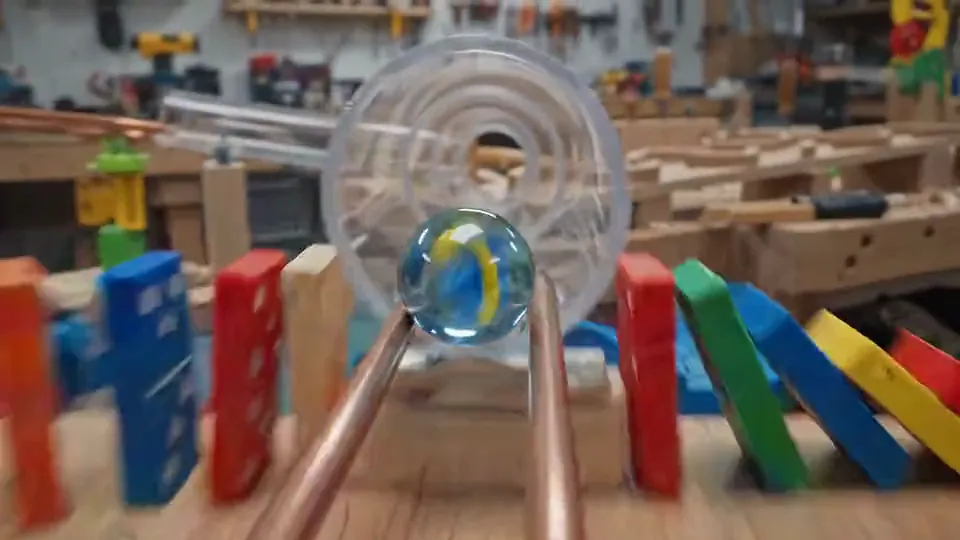
Gemini Omni Flash
Turn text and image references into short video concepts.
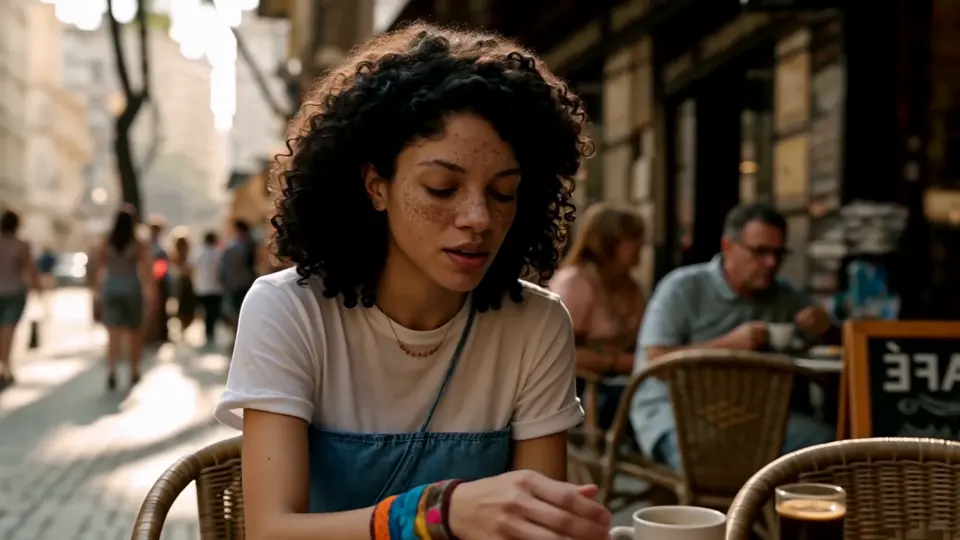
MiniMax H3
Develop video scenes from text, images or visual references.
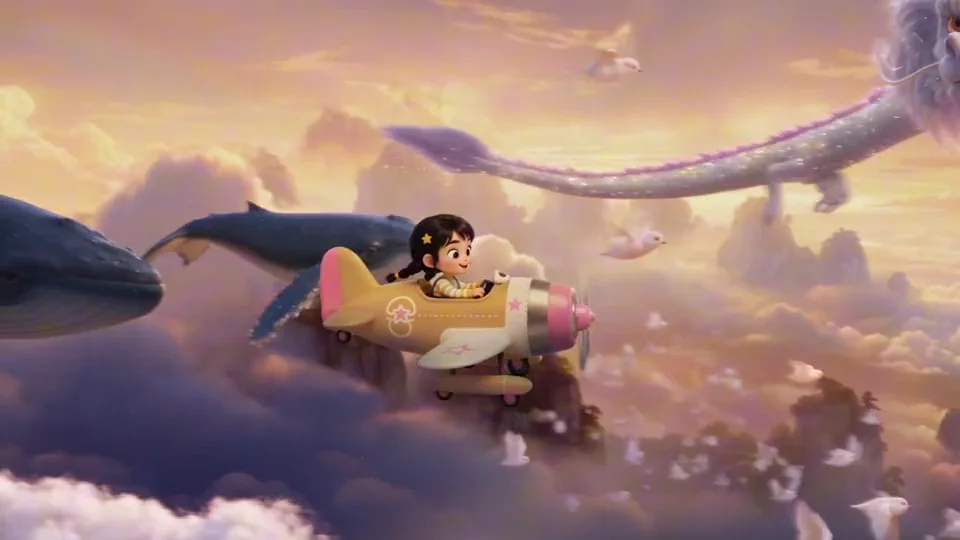
Seedance 2.5
Shape a video scene with text, starting frames or visual references.
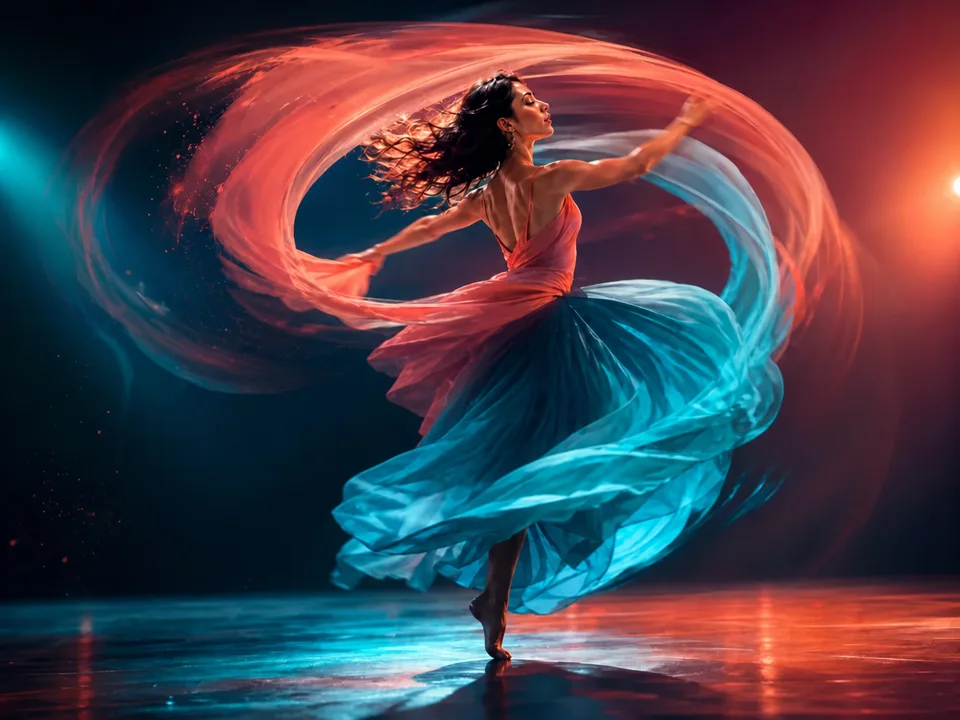
Seedance 2.0
Direct motion and composition with text or visual references.
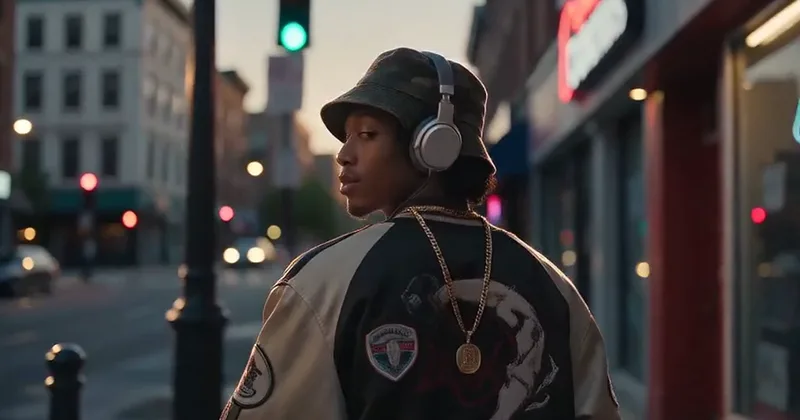
Seedance 2.0 Mini
Try video ideas with a compact Seedance workflow.
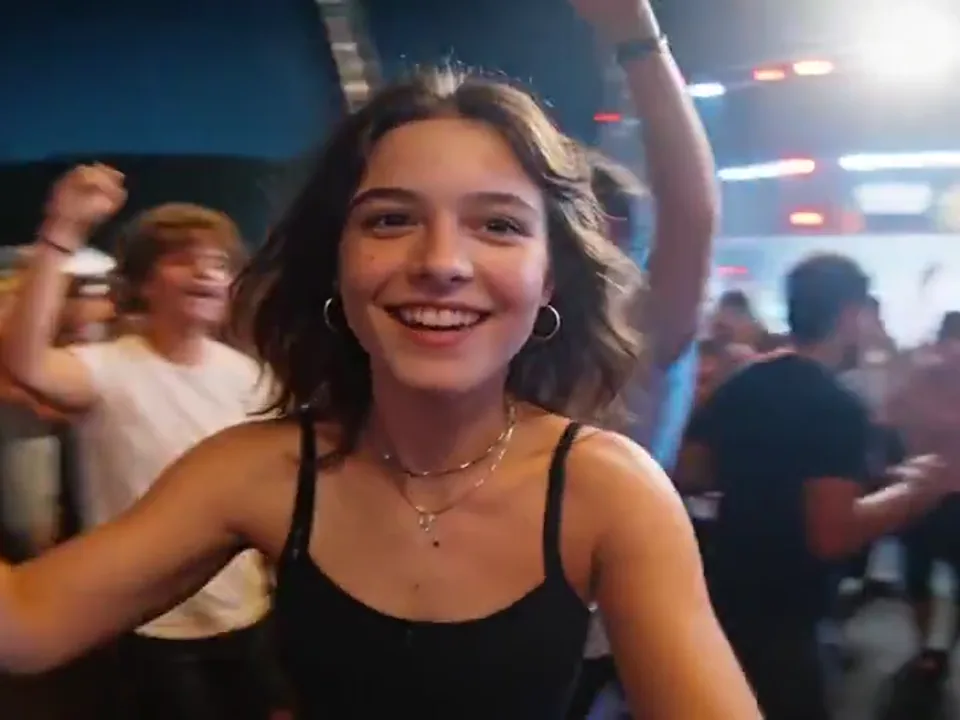
Seedance 2.0 Fast
Create video drafts from text, starting frames or visual references.
Compare Kling models
Choose the model and output settings for your next creation.
| Model | Kling 3.0 Turbo | Kling 3.0 |
|---|---|---|
| Output | 720p / 1080p | 720p / 1080p / 4k |
| Starting credits | 300 | 300 |
| Ссылка images | 1 | 1 |
| Available tasks | text to video, image to video | text to video, image to video |
| Clip duration | 5s | 5s |
Выберите свой план
Бесплатные изображения включают водяной знак. Обновление для получения экологически чистой продукции, более быстрой генерации и коммерческого использования.
Pro
-50%Оплата ежегодно · $120/год
- Продвинутые модели после обновления
- 2,000 кредитов в месяц
- До 2,000 быстрые изображения
- До 250 базовые видео
- Неограниченное количество поколений Seedream 3.5
- Приоритетная очередь
- Нет водяных знаков
- Пакетное масштабирование изображений AI
Ultimate
-50%Оплата ежегодно · $240/год
- Продвинутые модели после обновления
- 5,000 кредитов в месяц
- До 5,000 быстрые изображения
- До 625 базовые видео
- Неограниченное количество поколений Seedream 3.5
- Очередь с наивысшим приоритетом
- Нет водяных знаков
- Пакетное масштабирование изображений AI
- Полная конфиденциальность
Max
-50%Оплата ежегодно · $480/год
- Продвинутые модели после обновления
- 10,000 кредитов в месяц
- До 10,000 быстрые изображения
- До 1,250 базовые видео
- Неограниченное количество поколений Seedream 3.5
- Приоритетная очередь
- Нет водяных знаков
- Пакетное масштабирование изображений AI
Kling 3.0 Turbo FAQ
Learn about multi-shot prompts, first-frame input, duration, image quality, credits, and silent output.
What is Kling 3.0 Turbo positioned for?
Create short videos from a prompt or an opening frame. Use a concise action description and a clear camera direction for your clip.
How many shots can be written at most?
This composer creates a single 5-second clip. Describe one clear action and camera direction; a separate multi-shot editor is not available.
What is the maximum supported video length?
This page generates one 5-second clip per request, with 720p, 1080p output options.
How is Kling 3.0 Turbo priced on VoWo AI?
The starting cost is 300 VoWo credits per output. The generate button shows the total for the selected resolution before you submit. Each request creates one output; failed KIE tasks are refunded.
How is Kling 3.0 Turbo priced on VoWo AI?
The starting cost is 300 VoWo credits per output. The generate button shows the total for the selected resolution before you submit. Each request creates one output; failed KIE tasks are refunded.
Is image-to-video supported?
Yes, up to one image can currently be uploaded as the first frame. The model determines the output aspect ratio based on the first frame and continues generating subsequent motion.
Will Kling 3.0 Turbo generate audio?
The examples show the model’s audiovisual style. Optional audio generation controls are not exposed in this composer; reference audio cannot be uploaded.
How is Kling 3.0 Turbo priced on VoWo AI?
The starting cost is 300 VoWo credits per output. The generate button shows the total for the selected resolution before you submit. Each request creates one output; failed KIE tasks are refunded.
When should I use multi-shot, and when should I use a single long shot?
Use multi-shot when you need ad pacing, information progression, and shot size changes; use one continuous 10–15 second shot for uninterrupted action, spatial traversal, or stable tracking.