Seedream 5.0 Pro AI Image Generator
Build polished image concepts and reference-guided edits.
Core strengths of Seedream 5.0 Pro
Higher-fidelity generation, text rendering, and multi-reference control for product, ad, and brand visuals.
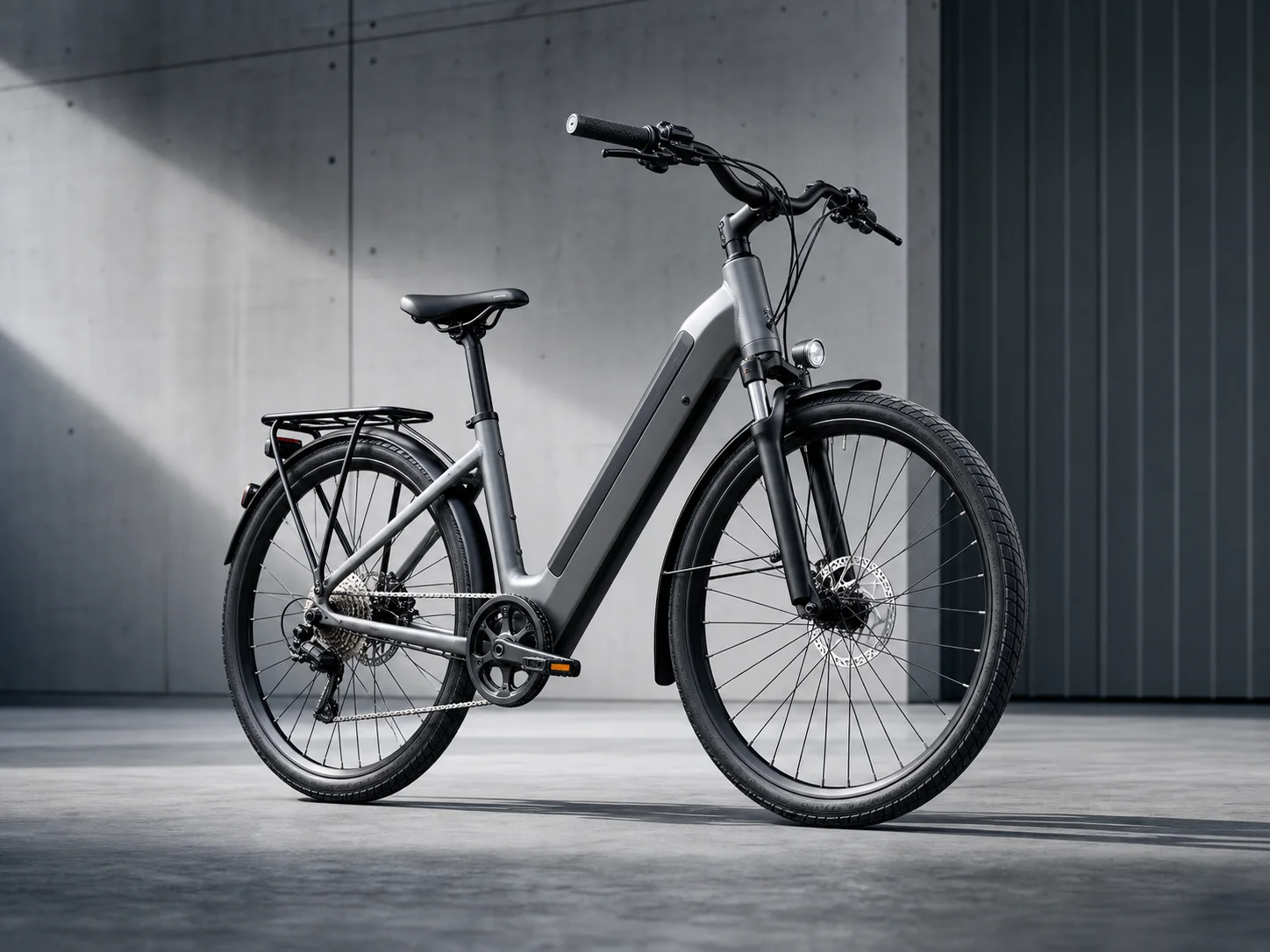
“Create a premium electric bicycle ad. The bicycle is centered in a bright cool-gray studio. The frame geometry, tire texture, brakes, chain, and metal reflections are all clear and accurate. Use a restrained composition and realistic contact shadows. Do not include text or brand logos.”
High-fidelity products and commercial advertising
It puts more emphasis on product structure, material surfaces, reflections, realistic light, and complete composition, making it suitable for launch posters, e-commerce hero images, packaging displays, and brand campaign visuals. Use 1K first to validate concept, then output 2K for shortlisted options that need more detail.
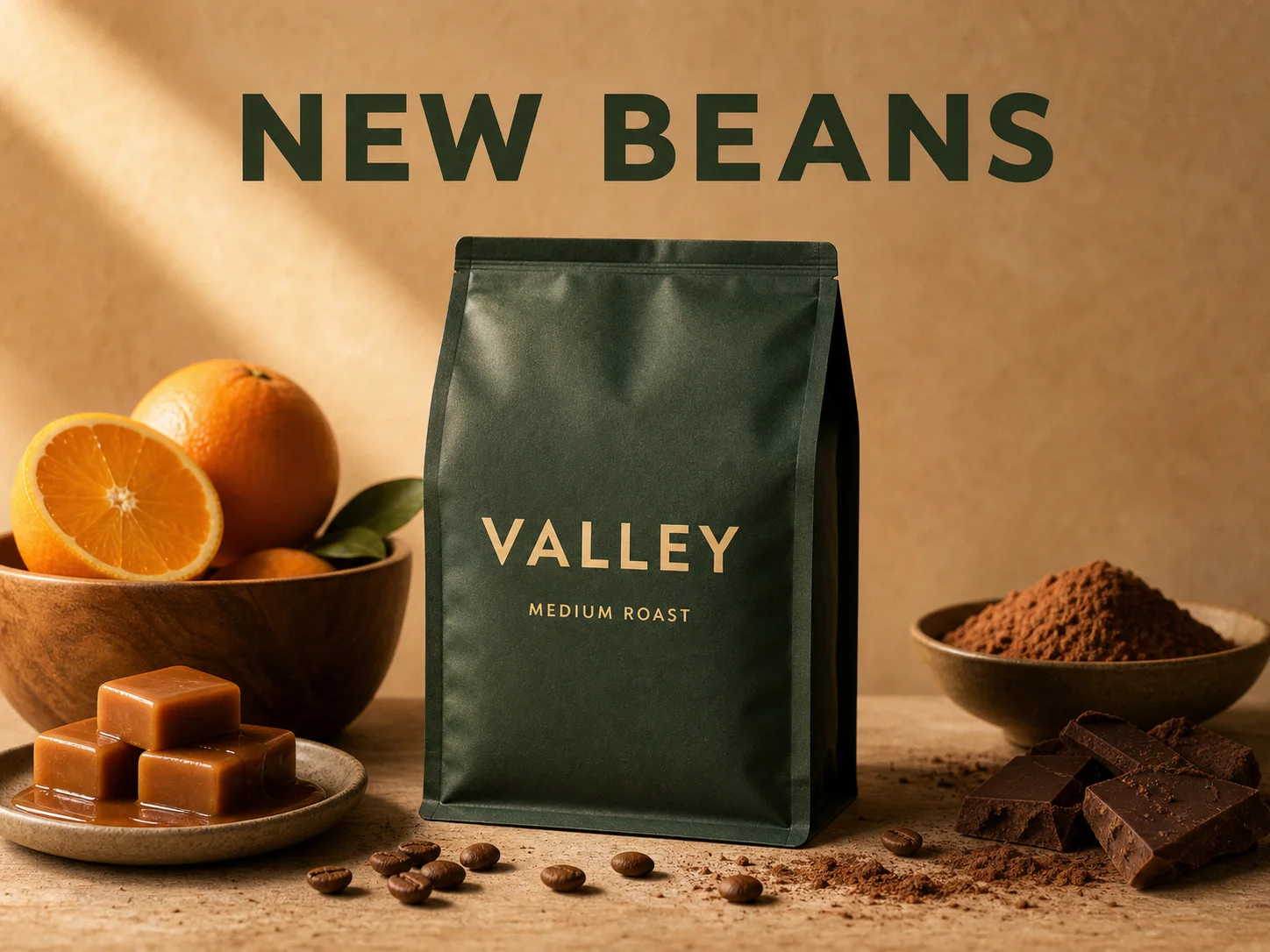
“Design a premium coffee poster. A deep green coffee bean package sits at the center. The front of the package clearly shows only “VALLEY” and “MEDIUM ROAST,” and the top of the poster reads only “NEW BEANS.” Use warm side lighting, realistic paper texture, and represent flavor notes with orange, caramel, and cocoa.”
Readable text in posters and packaging
Suitable for commercial assets where titles, prices, product names, and concise value points are placed directly in the image. The model handles both text and visual hierarchy together, reducing the need for building a base image and then typesetting separately; still check critical copy manually before publishing.
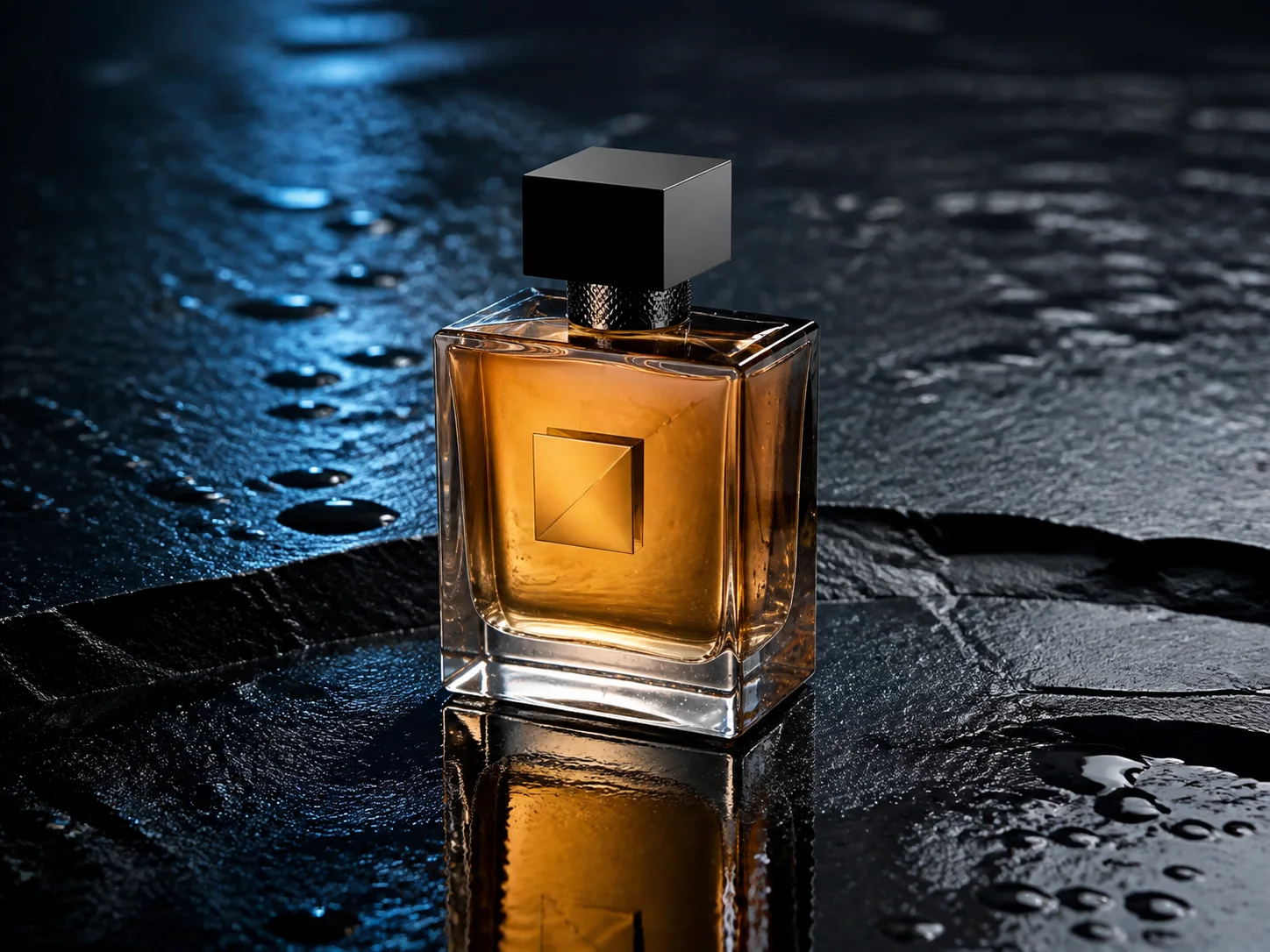
“Keep the bottle shape, unbranded geometric markers, amber liquid, and camera angle from the reference image, and only replace the white studio background with a wet black stone countertop. Add cool rim light from behind-left, realistic water droplets, and natural reflections. Keep the product centered and clearly visible.”
One instruction to edit an image
After uploading an existing image, you can directly describe what background, color, material, subject, or composition to replace. The model performs adjustments based on the original image, suitable for scene changes, clothing changes, space redesign, and channel adaptations of the same concept.
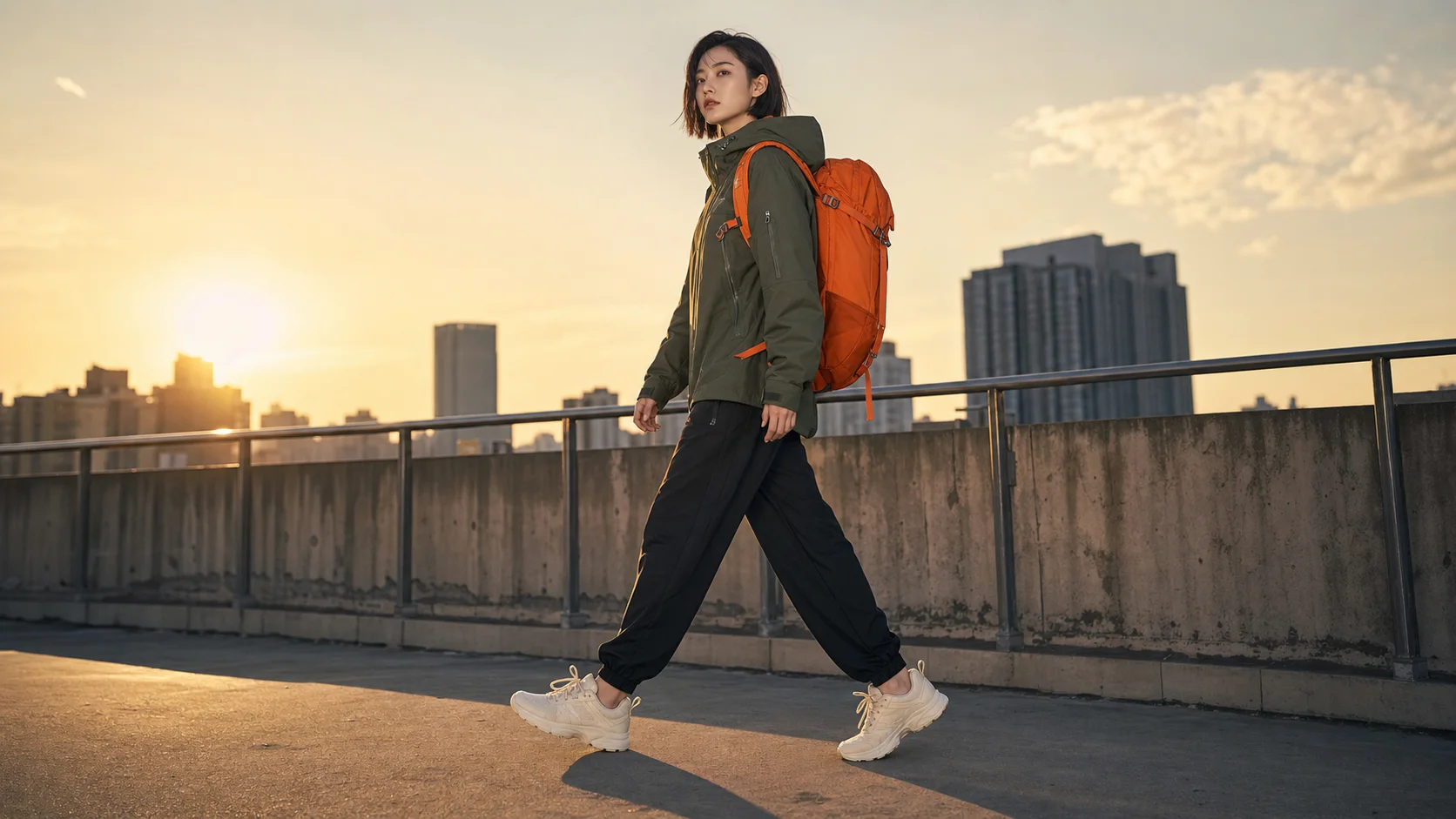
“Use uploaded model, jacket, sneakers, backpack, and rooftop references to generate a 16:9 outdoor brand ad. The model should accurately wear the referenced clothing and carry the referenced backpack, with all product colors, materials, and key structures preserved. Apply a unified dusk light, perspective, and shadows for a realistic photographic look.”
Control up to 3 references in one generate
You can combine product, character, clothing, scene, and style references in one generation so key information from multiple sources appears in one unified image. Each reference image adds 1 VoWo credit, which is suitable for tasks requiring clear brand assets and subject consistency.
Explore other models
Switch between top image models in one generator.
Nano Banana 2
Generate images and revise visual ideas with references.
Nano Banana 2 Lite
Create lightweight image drafts and reference-based edits.
GPT Image 2.5
Develop detailed visual concepts with GPT Image 2.5 Flare.
GPT Image 2
Create images with carefully directed composition and lettering.
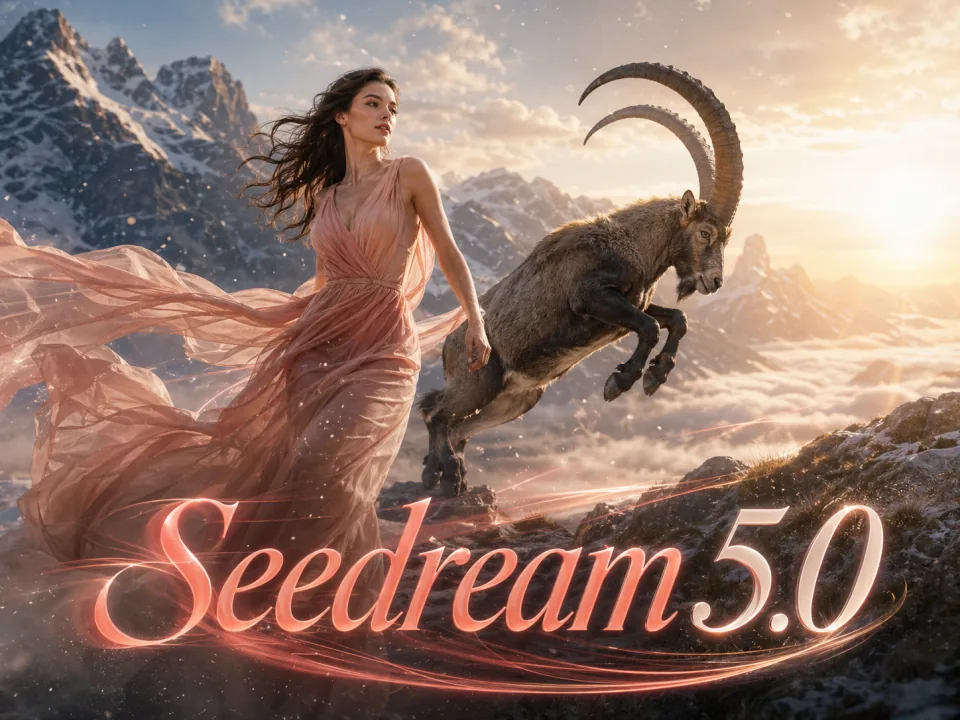
Seedream 5.0 Lite
Explore expressive lighting and detailed image compositions.
Compare Seedream models
Choose the model and output settings for your next creation.
| Model | Seedream 5.0 Pro | Seedream 5.0 Lite |
|---|---|---|
| Output | 1K / 2K | 2K / 3K / 4K |
| Starting credits | 60 | 60 |
| Reference images | 3 | 3 |
| Available tasks | text to image, image to image | text to image, image to image |
Choose Your Plan
Free images include a watermark. Upgrade for clean outputs, faster generation, and commercial use.
Pro
-50%Billed Annually · $120/year
- Advanced models after upgrading
- 2,000 credits per month
- Up to 2,000 fast images
- Up to 250 basic videos
- Unlimited Seedream 3.5 generations
- Priority queue
- No watermarks
- Batch AI image upscaling
Ultimate
-50%Billed Annually · $240/year
- Advanced models after upgrading
- 5,000 credits per month
- Up to 5,000 fast images
- Up to 625 basic videos
- Unlimited Seedream 3.5 generations
- Highest priority queue
- No watermarks
- Batch AI image upscaling
- Full privacy
Max
-50%Billed Annually · $480/year
- Advanced models after upgrading
- 10,000 credits per month
- Up to 10,000 fast images
- Up to 1,250 basic videos
- Unlimited Seedream 3.5 generations
- Priority queue
- No watermarks
- Batch AI image upscaling
Seedream 5.0 Pro FAQ
Learn about output quality, references, credits, editing methods, and appropriate commercial use cases.
What is Seedream 5.0 Pro?
Build polished image concepts and reference-guided edits. Choose 1K for a first pass or 2K for a closer look at textures and product details. Keep references and your creative brief together.
How is Seedream 5.0 Pro priced on VoWo AI?
The starting cost is 60 VoWo credits per output. The generate button shows the total for the selected resolution before you submit. Each request creates one output; failed KIE tasks are refunded.
How many reference images can be uploaded at most?
This page accepts up to 3 reference images. Choose an image task, upload a reference and describe which details to preserve or change.
How are reference images charged?
The starting cost is 60 VoWo credits per output. The generate button shows the total for the selected resolution before you submit. Each request creates one output; failed KIE tasks are refunded.
Can existing images be edited?
Yes. After uploading a source image, describe what should be kept and what should be changed, and you can update backgrounds, colors, materials, and add or remove elements.
Can it generate posters and packaging with text?
Yes. The model is suitable for in-image text such as titles, prices, product names, and short selling points. For brand names, numbers, or final production copy, each word should still be checked manually after generation.
What common aspect ratios are supported?
Choose from 1:1, 4:3, 3:4, 16:9, 9:16, 2:3, 3:2, 21:9.
Can it work with text prompts only?
Yes. References are optional. Without reference images, you can still create product images, advertisements, character scenes, character sheets, and visual concepts using prompts alone.
What tasks are most suitable for Seedream 5.0 Pro?
It is suitable for ad, e-commerce, brand, and content production tasks with high requirements for product detail, commercial texture, in-image text, multi-asset control, and 2K output.