GPT Image 2.5 AI Image Generator
Develop detailed visual concepts with GPT Image 2.5 Flare.
Find inspiration in official examples
Images are from OpenAI’s official showcase; prompts are based on the visuals. Choose an example and use its reference prompt to start creating.
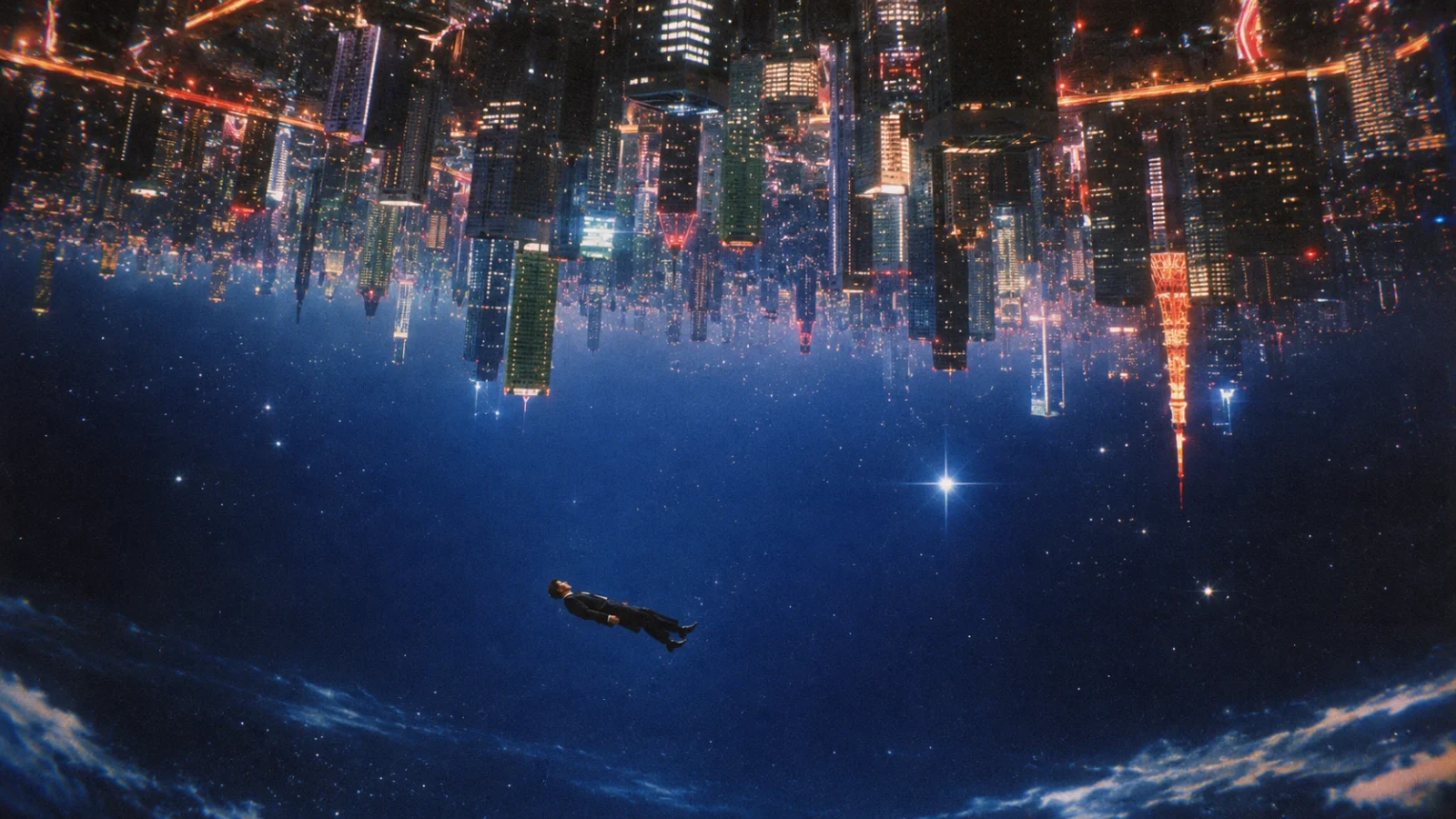
Create a wide surreal science-fiction scene: an illuminated futuristic city hangs upside down across the top, with skyscrapers and orange-gold lights extending downward. Below it, a person in dark clothing floats horizontally through a deep blue starry sky with thin clouds. Keep the inverted spatial relationship clear, using cool blue and warm gold contrast for a cinematic mood. No text.
Explore style and detail in official examples
Images are from OpenAI’s official release page. The accompanying prompts are visual interpretations for inspiration, not the original official prompts.
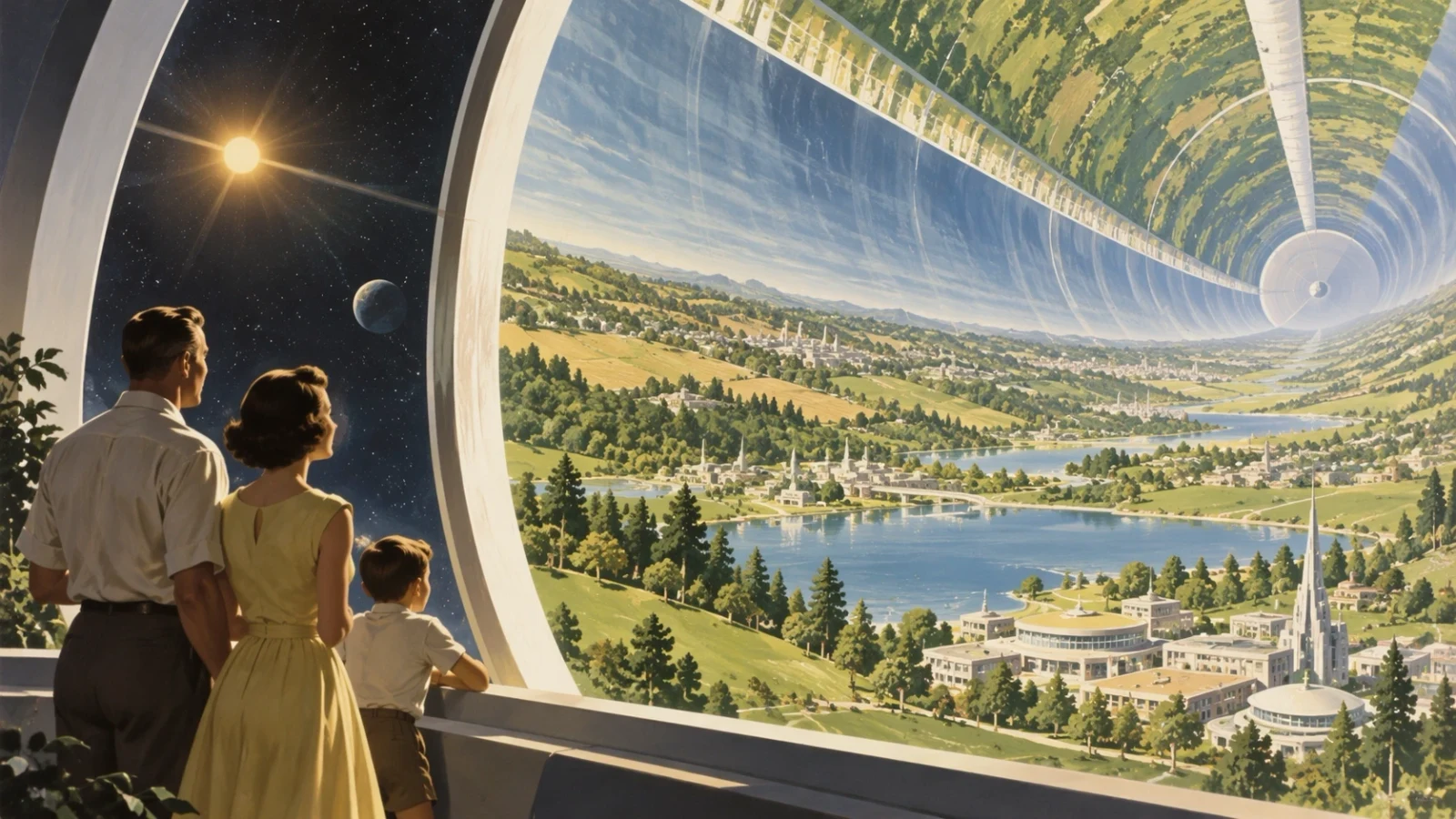
“Create a 1950s retrofuturist illustration of a family of three on an observation platform, looking into an enormous cylindrical space habitat. Green hills, lakes, orderly cities, and roads curve upward along its inner surface. Through the opening on the left, show the Sun and a starry sky. Use warm sunlight, cream-colored architecture, soft green landscapes, and detailed painted textures. Wide landscape composition, no text.”
Follow complex instructions without losing the details
GPT Image 2.5 is better at combining instructions about subject placement, spatial relationships, color, and visual style into a coherent image. Describe the people in the foreground, architecture in the distance, lighting across the scene, and details you want to include. It is more likely to retain that direction as the brief becomes more specific, making it useful for worldbuilding, advertising concepts, and visuals with a carefully planned composition.
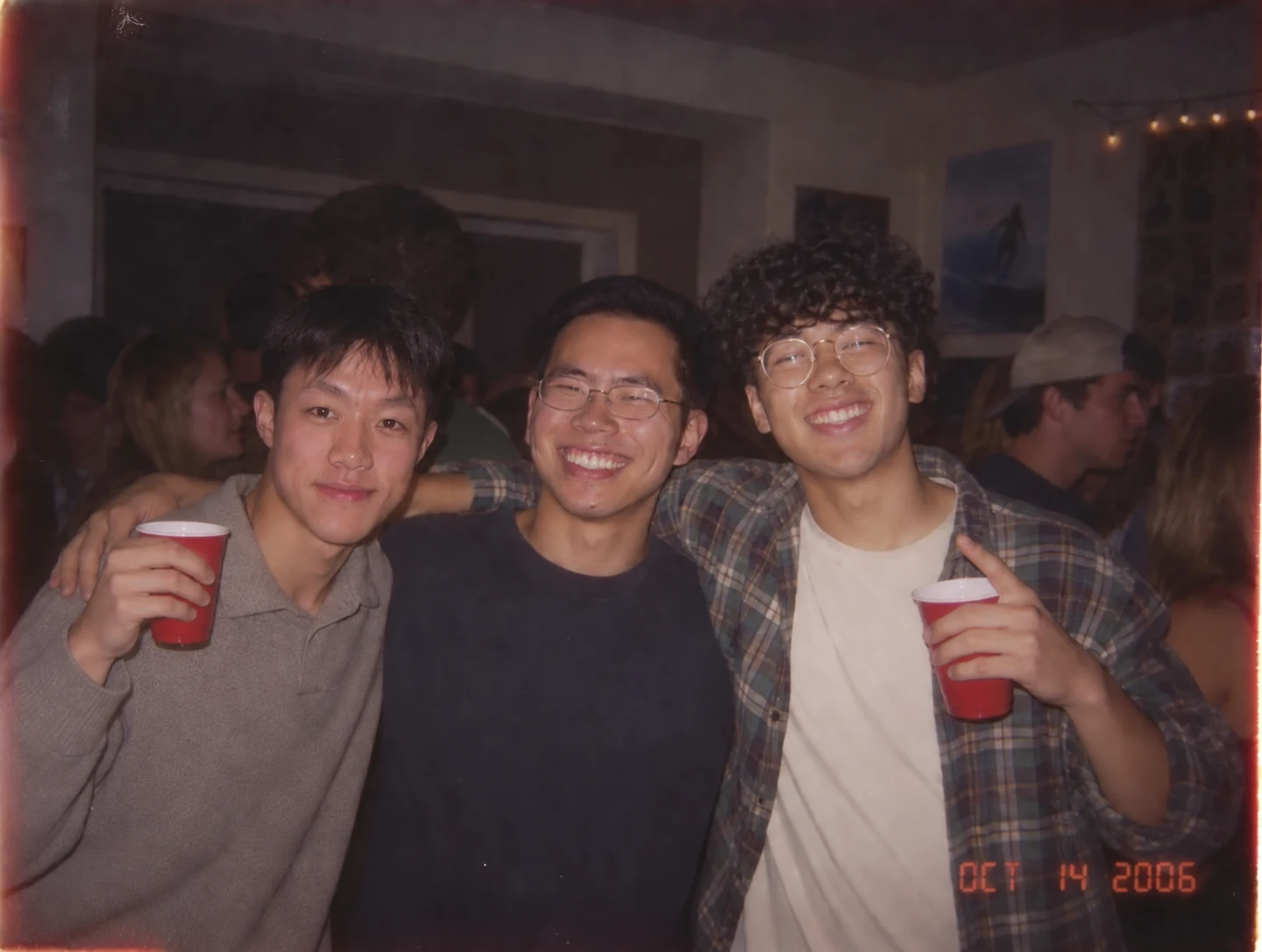
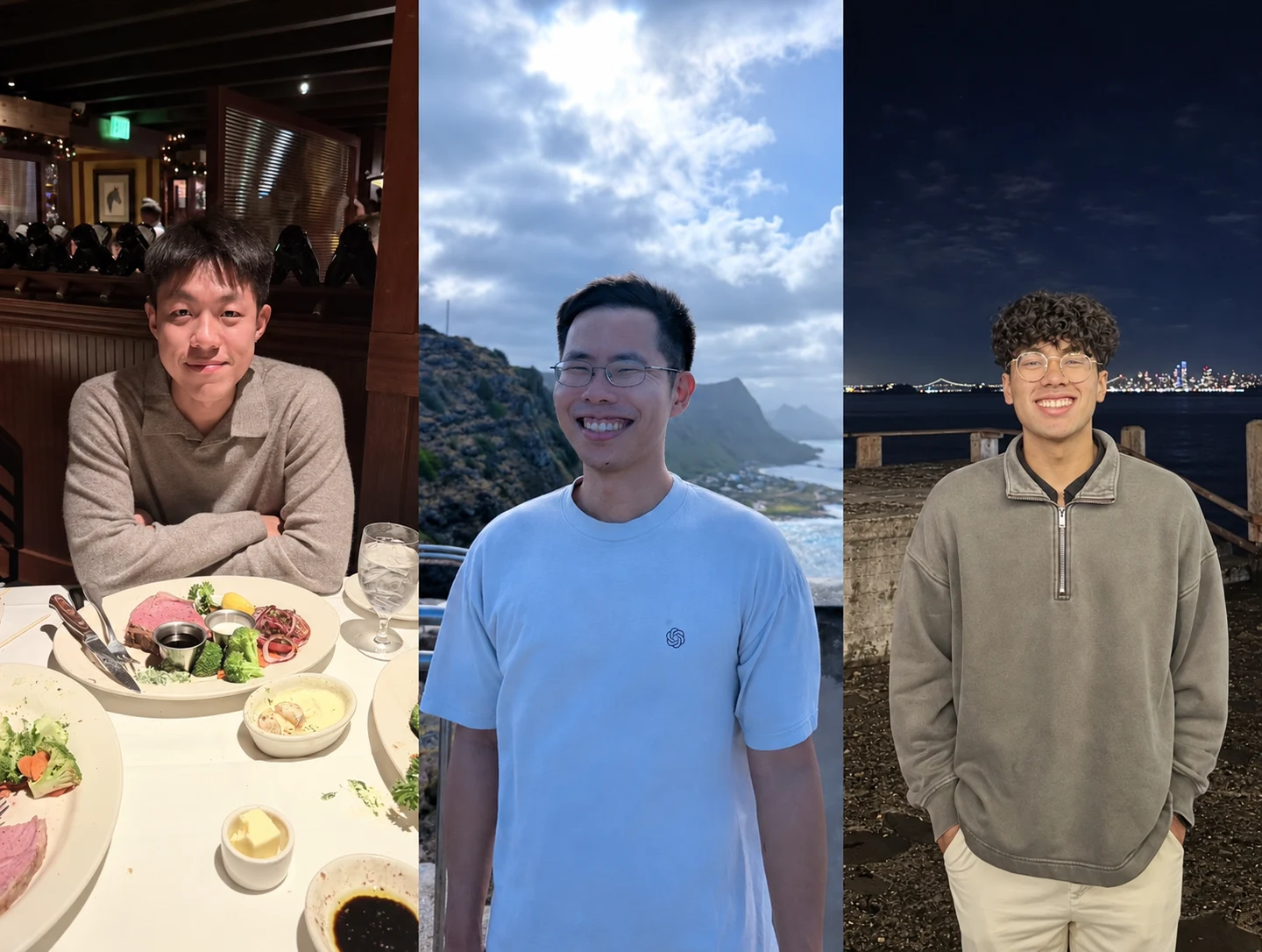
“Using the three adult men in the reference collage, place them in the same indoor party snapshot in their original left-to-right order. Preserve their individual facial features, hairstyles, and glasses. Have them smile shoulder to shoulder, with the men on either side holding red cups. Add a crowded party background, warm room lighting, direct flash, subtle grain, and a nostalgic candid-photo feel. Landscape composition.”
Change the scene, keep the people recognizable
When you change the setting, clothing, or visual style of a reference photo, the model is better at carrying over facial features, hairstyles, and other recognizable details. Multiple photos can also provide the subjects for a new composition. This official example brings three people from separate photos into one party snapshot, illustrating a useful approach for themed group portraits and imaginative scenes. Review personal details in the result before using it.
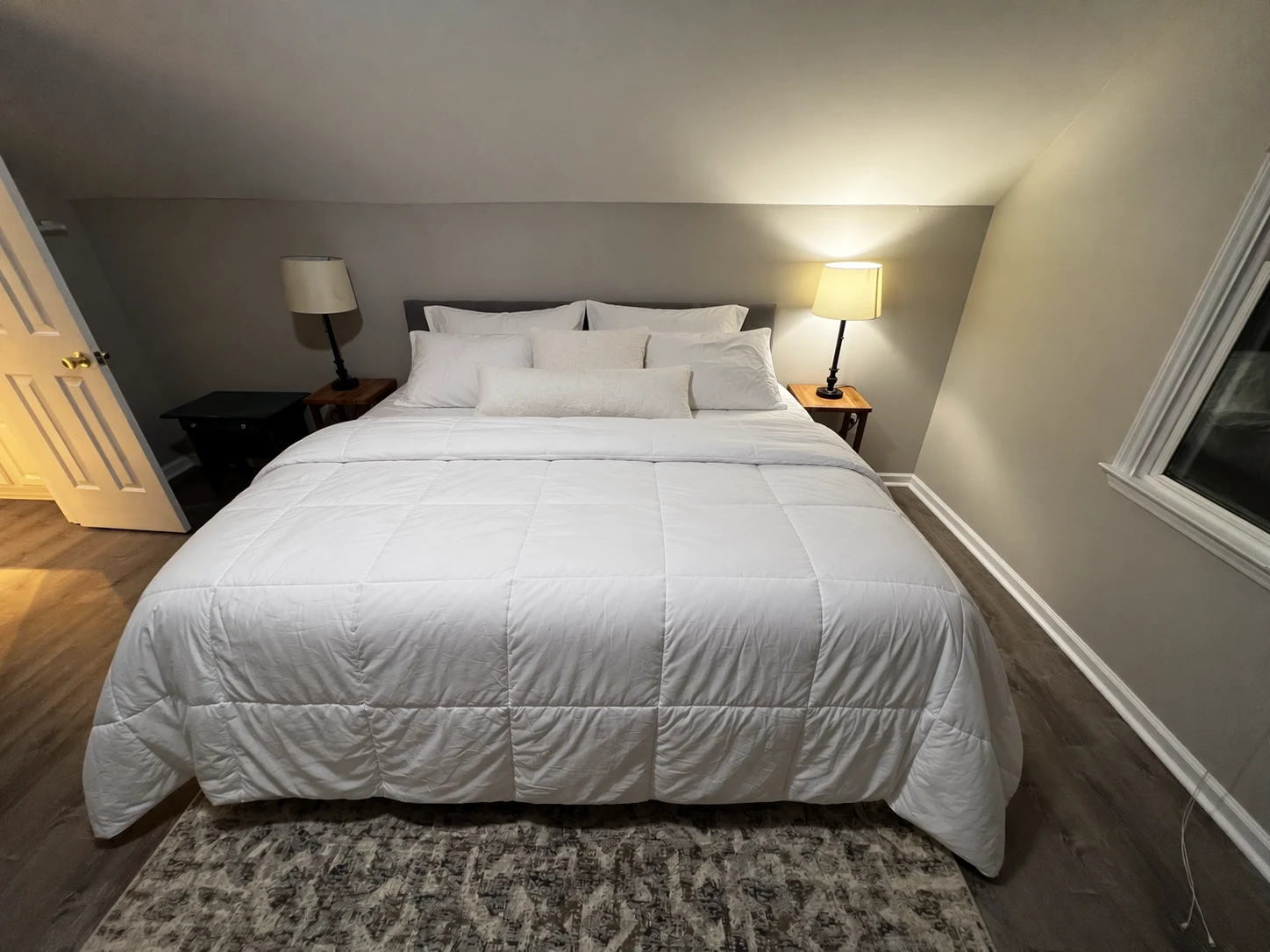
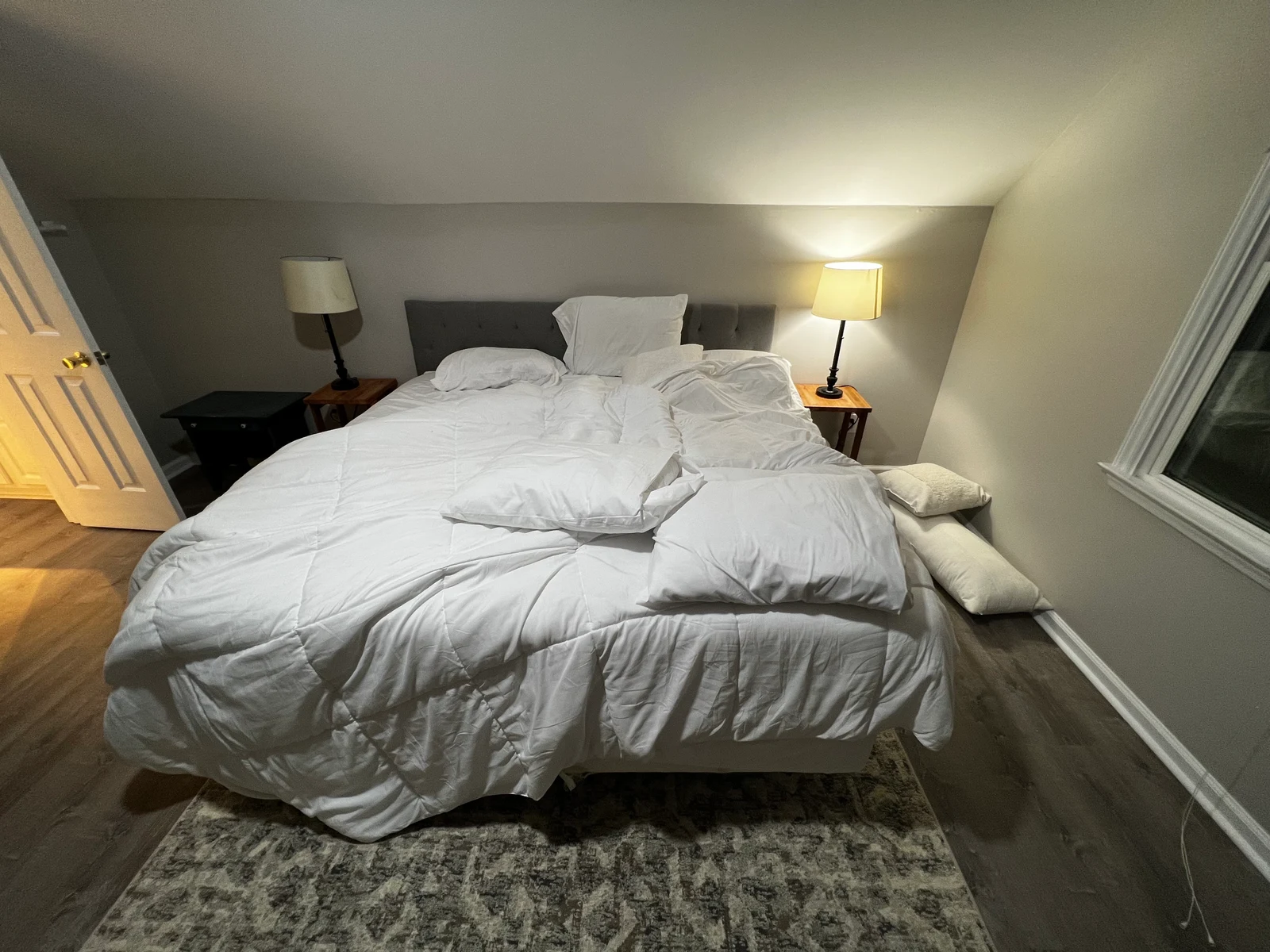
“Make the bed in the reference photo neatly: smooth the white duvet and arrange the pillows against the gray headboard. Preserve the composition, bedside tables, two lamps, window, door, rug, and existing light and shadows. Change only how the bedding is arranged.”
Change what you ask for, preserve the rest
Upload a reference image and describe both what should change and what should stay. GPT Image 2.5 is better at making the requested adjustment while preserving surrounding subjects, composition, and lighting. In this bedroom example, the bedding is tidied while the bedside tables, lamps, window, and room layout remain. Use the same approach to replace an object, adjust a background, or change clothing colors, with less unwanted redesign of the surrounding scene.
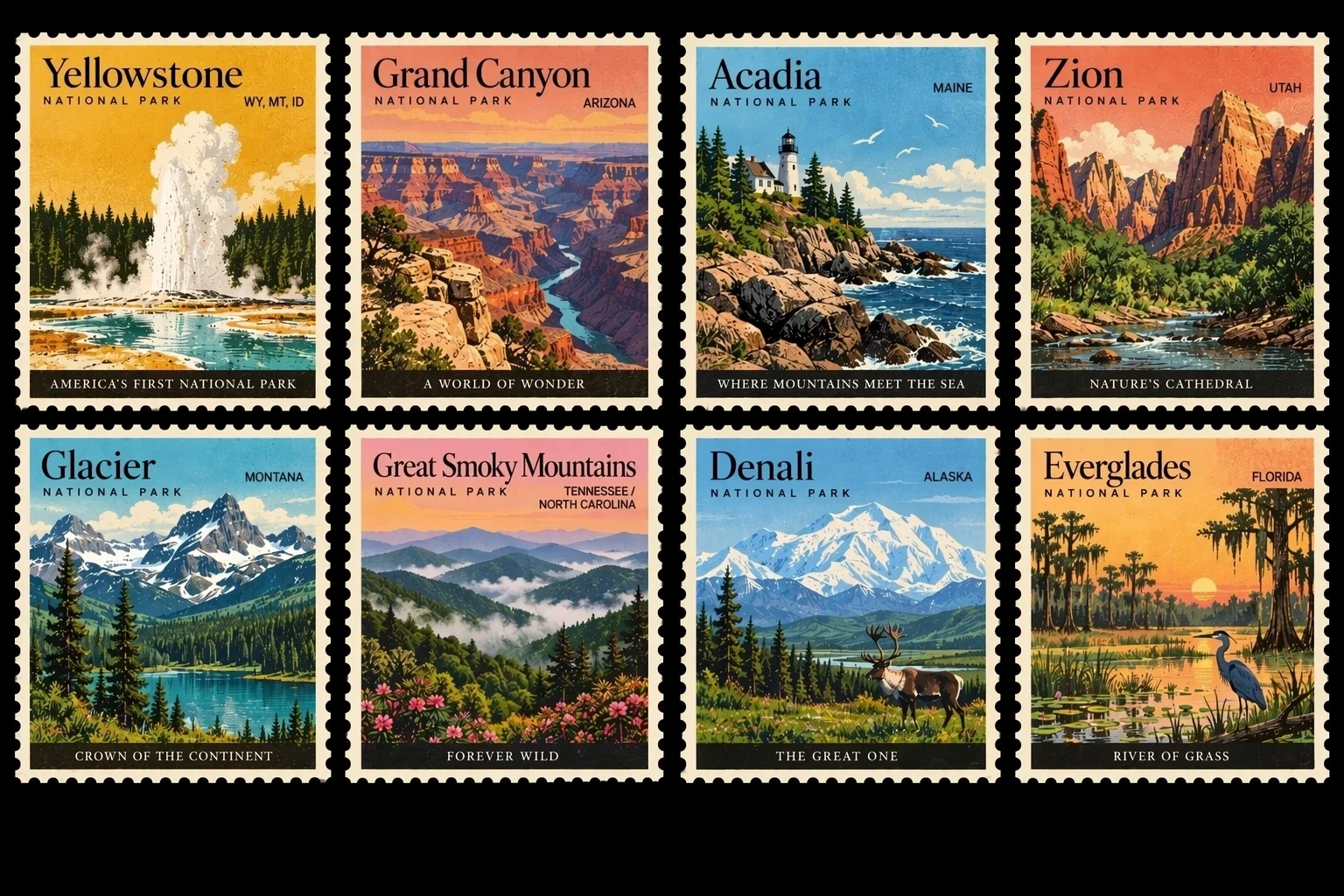
“Design a two-by-four collection of eight vintage US national park stamps: Yellowstone, Grand Canyon, Acadia, Zion, Glacier, Great Smoky Mountains, Denali, and Everglades. Give each stamp a cream perforated border, a prominent park name, and concise location text. Feature a geyser, canyon, coastal lighthouse, red cliffs, snowy mountain lake, misty hills, a caribou, and wetland birds respectively. Use vintage travel-poster colors and print textures on a black background.”
Bring text and imagery into one cohesive design
Specify headings, text hierarchy, graphic placement, and visual style together so that the lettering becomes part of the composition. GPT Image 2.5 is better at handling complex layouts while keeping a consistent visual direction across related designs. This stamp collection combines different park scenes, names, and borders into one series. It is useful for poster drafts, infographics, and coordinated visual assets; check spelling, numbers, and factual information before final use.
Explore other models
Switch between top image models in one generator.
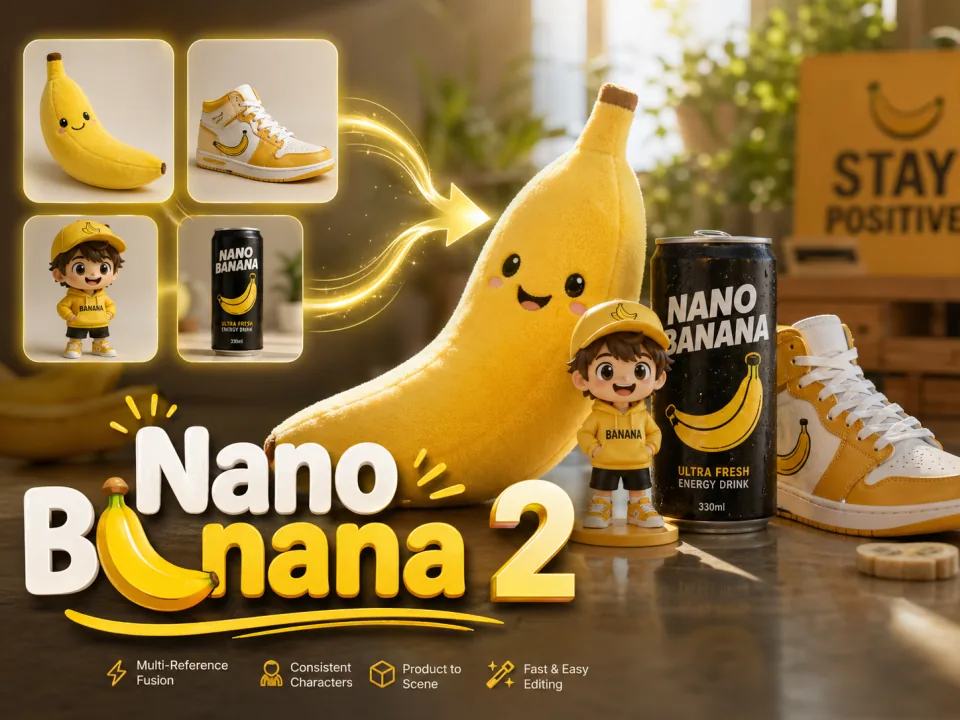
Nano Banana 2
Generate images and revise visual ideas with references.

Nano Banana 2 Lite
Create lightweight image drafts and reference-based edits.
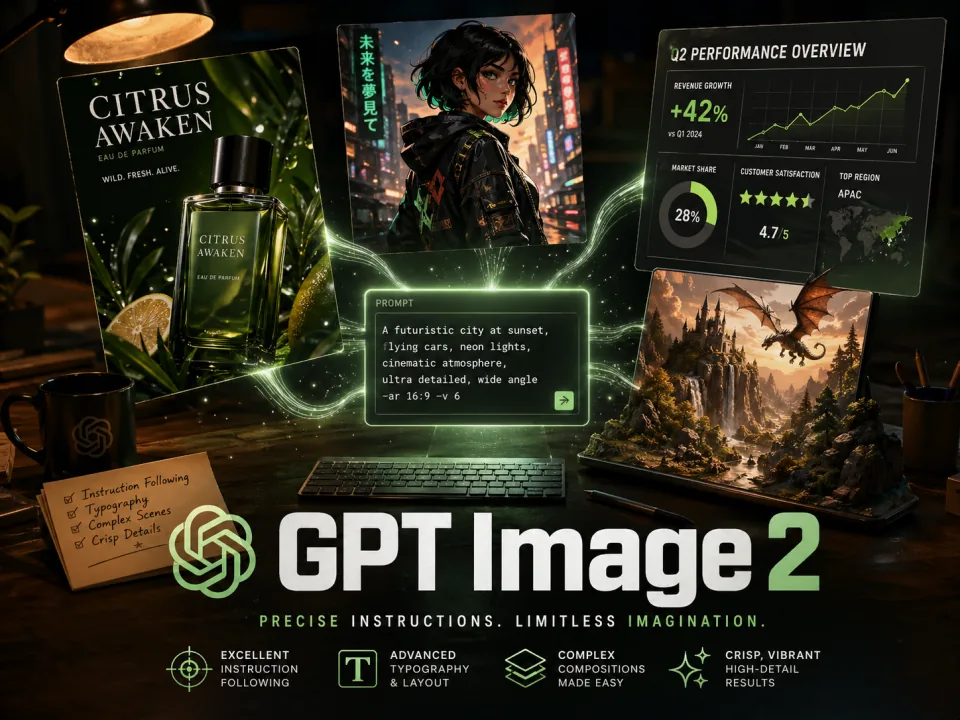
GPT Image 2
Create images with carefully directed composition and lettering.
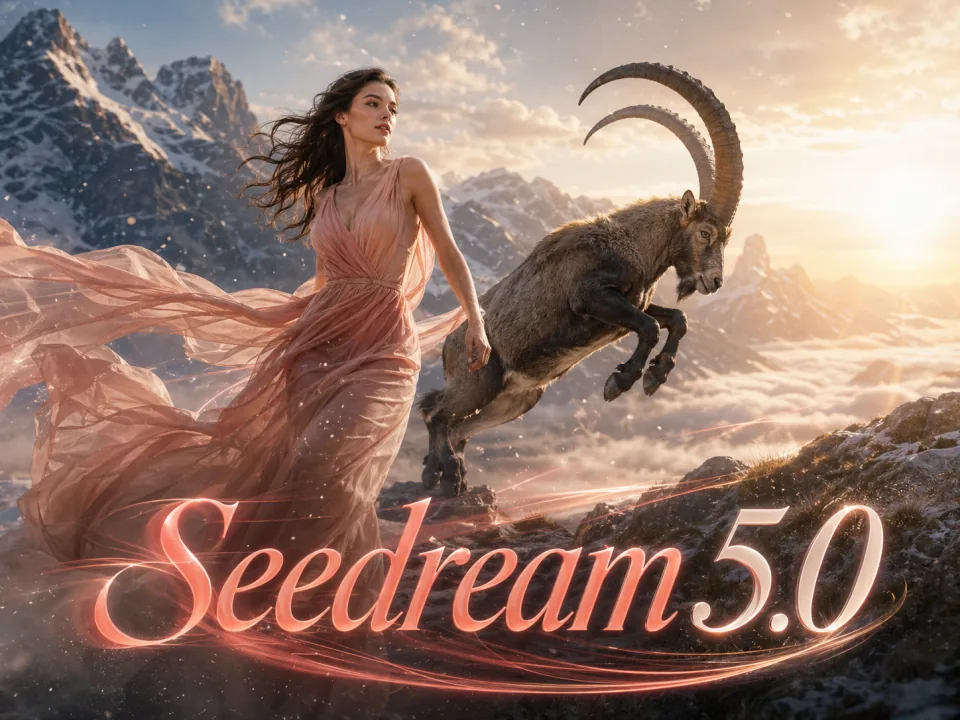
Seedream 5.0 Lite
Explore expressive lighting and detailed image compositions.
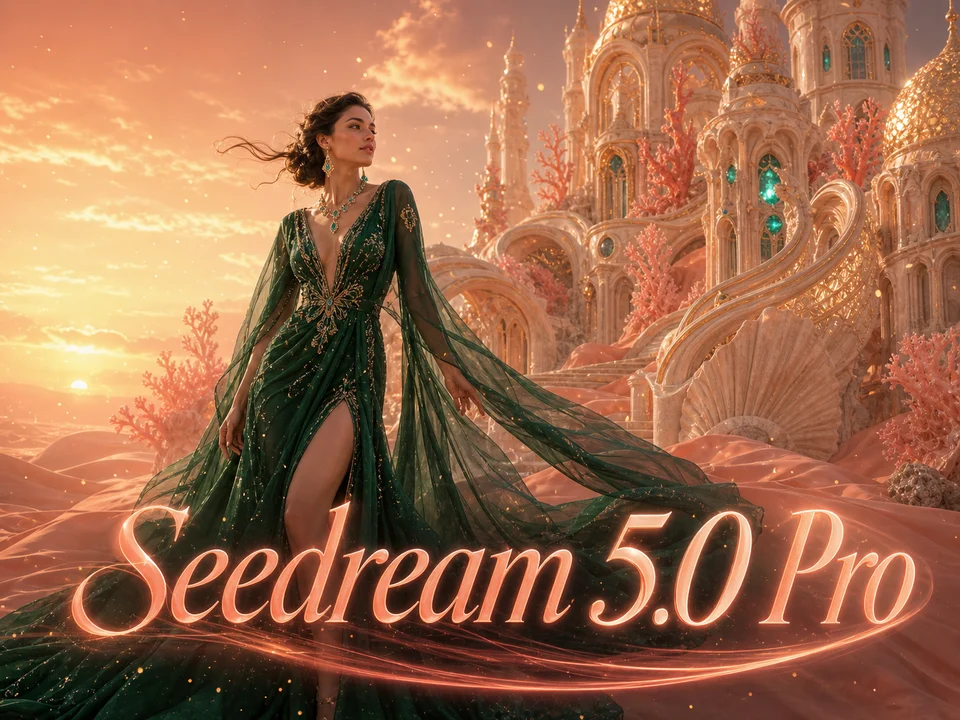
Seedream 5.0 Pro
Build polished image concepts and reference-guided edits.
Compare GPT models
Choose the model and output settings for your next creation.
| Model | GPT Image 2.5 | GPT Image 2 |
|---|---|---|
| Output | 1K / 2K / 4K | 1K / 2K / 4K |
| Starting credits | 60 | 60 |
| Référence images | 3 | 3 |
| Available tasks | text to image, image to image | text to image, image to image |
Choisissez votre forfait
Les images gratuites incluent un filigrane. Mise à niveau pour des sorties propres, une génération plus rapide et une utilisation commerciale.
Pro
-50%Facturé annuellement · $120/an
- Modèles avancés après la mise à niveau
- 2,000 crédits par mois
- Jusqu'à 2,000 images rapides
- Jusqu'à 250 vidéos de base
- Générations Seedream 3.5 illimitées
- File d'attente prioritaire
- Aucun filigrane
- Mise à l'échelle des images IA par lots
Ultimate
-50%Facturé annuellement · $240/an
- Modèles avancés après la mise à niveau
- 5,000 crédits par mois
- Jusqu'à 5,000 images rapides
- Jusqu'à 625 vidéos de base
- Générations Seedream 3.5 illimitées
- File d'attente la plus prioritaire
- Aucun filigrane
- Mise à l'échelle des images IA par lots
- Intimité totale
Max
-50%Facturé annuellement · $480/an
- Modèles avancés après la mise à niveau
- 10,000 crédits par mois
- Jusqu'à 10,000 images rapides
- Jusqu'à 1,250 vidéos de base
- Générations Seedream 3.5 illimitées
- File d'attente prioritaire
- Aucun filigrane
- Mise à l'échelle des images IA par lots
GPT Image 2.5 FAQ
Learn about reference images, image sizes, quality settings, and credits.
What is GPT Image 2.5?
Develop detailed visual concepts with GPT Image 2.5 Flare. Write the composition, materials, lighting and any exact lettering in one prompt. Refine an existing image with a focused editing instruction.
How does it differ from GPT Image 2?
Flare improves generation speed, reference fidelity, and image detail, with more quality levels to choose from. Identically named quality levels are not directly equivalent across versions, so compare results using the same creative brief.
How many reference images can I upload?
This page accepts up to 3 reference images. Choose an image task, upload a reference and describe which details to preserve or change.
How long can my prompt be?
This page generates one 5-second clip per request, with 1K, 2K, 4K output options.
Which sizes and quality levels are available?
The available output resolutions are 1K, 2K, 4K. Select an aspect ratio separately; pixel dimensions depend on the selected format.
Does 4K mean 4096×4096?
The available output resolutions are 1K, 2K, 4K. Select an aspect ratio separately; pixel dimensions depend on the selected format.
How many images can I generate at once?
This generator creates one image per request. Run another generation to compare a new variation.
How is GPT Image 2.5 priced on VoWo AI?
The starting cost is 60 VoWo credits per output. The generate button shows the total for the selected resolution before you submit. Each request creates one output; failed KIE tasks are refunded.
How long does generation take?
Flare is designed for fast creation, but generation time depends on quality, size, prompt complexity, and service load. Higher quality and complex scenes generally take longer.
Will text and people always look exactly right?
Not always. The model improves reference fidelity and instruction following, but important text, personal details, and complex layouts may still need review and another generation.