MiniMax H3 AI Video Generator
Develop video scenes from text, images or visual references.
6s · 768P
MiniMax H3 Video Examples
See how H3 handles multimodal references, 2K detail, native stereo audio, and dynamic visual storytelling.
Use character, camera-motion, and ambient-sound references to create one coherent cinematic shot with synchronized sound and image.
Key MiniMax H3 Features
H3's premise is not a collection of isolated modes: it puts creative intent and different reference materials into one shared context.
 Before
“Keep the reference character and café atmosphere, follow the camera's forward rhythm, and blend the surrounding sound naturally.”
Understand the Whole Multimodal Intent
H3 can understand text, images, video, and audio in one shared context. Give it your reference materials and describe how they should shape the shot, and it can interpret them as one creation task.
“A 2K product close-up: reveal material detail and packaging text with a slow orbit, then land on a clean final reveal.”
Native 2K Video, up to 15 Seconds
H3 supports whole-second clips from 4 to 15 seconds at a fixed 2K tier, using video representation and in-context regeneration to retain small text and visual detail.
“A night street tracking shot: foreground dialogue, distant traffic and music for spatial depth, with sound moving naturally as the camera turns.”
Generate Picture and Native Stereo Together
H3 jointly generates video and audio, including dialogue, ambience, music, and sound effects. VoWo keeps sound enabled because this model's outputs include native stereo audio.
“Turn this game menu into a 15-second animated interface: preserve the character, Start and Continue buttons, purple-and-lime palette, and graffiti texture while adding coherent motion to the background and accents.”
Carry Static Game UI into Motion
H3 works well for cinematic moments, animated game interfaces, and e-commerce ads. Describe the relationship between your reference material and the intended clip, and it can extend a still visual into continuous storytelling while preserving hierarchy and subject identity.
Explore other models
Switch between top video models in one generator.
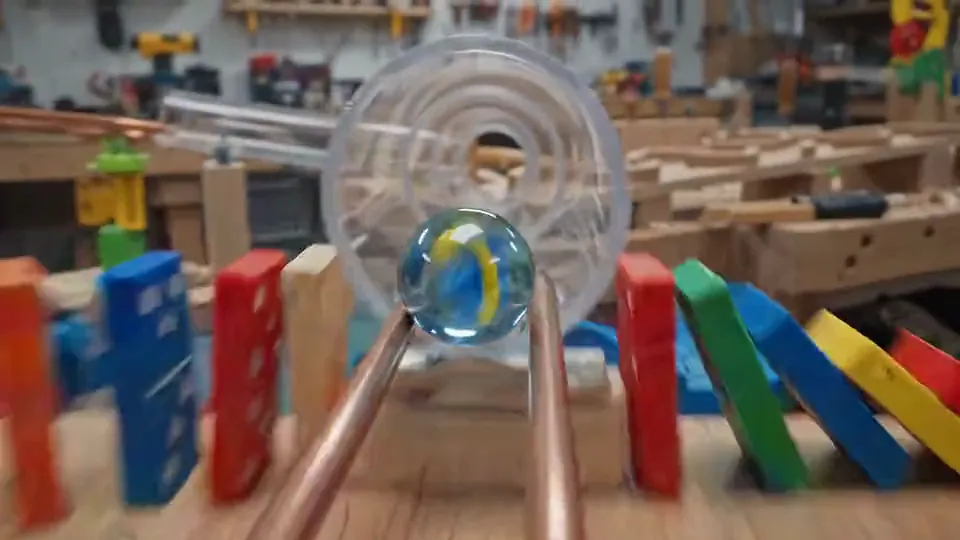
Gemini Omni Flash
Turn text and image references into short video concepts.
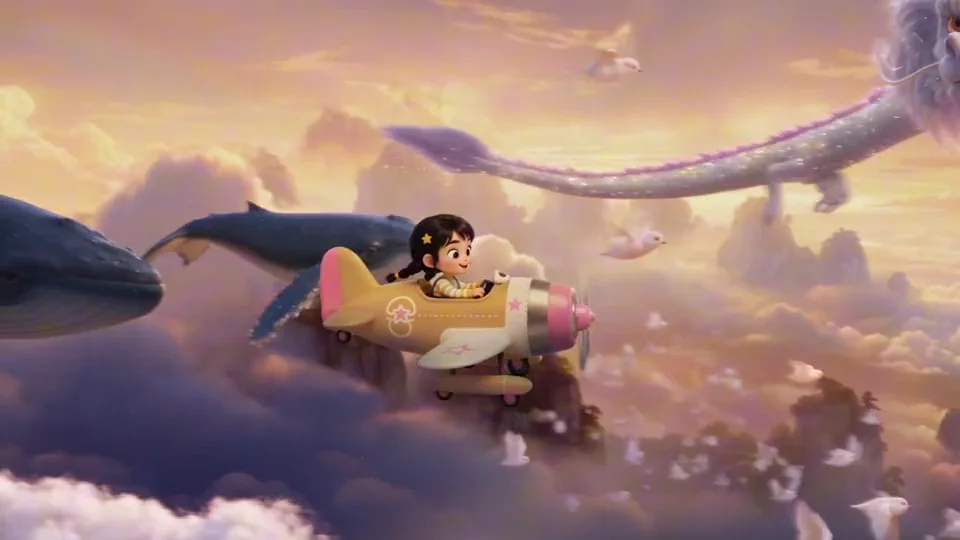
Seedance 2.5
Shape a video scene with text, starting frames or visual references.

Seedance 2.0
Direct motion and composition with text or visual references.
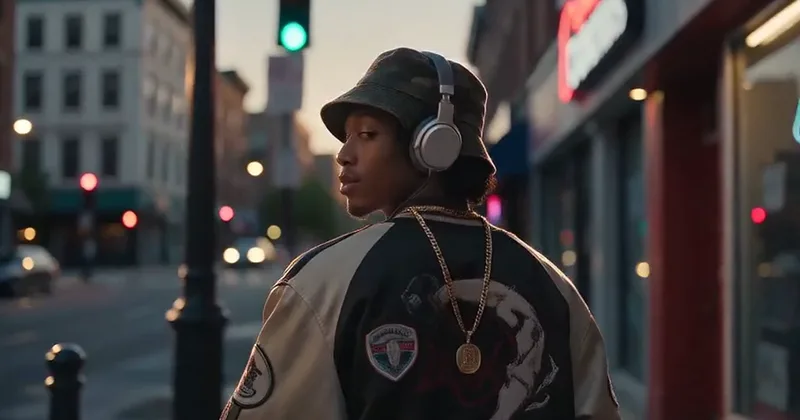
Seedance 2.0 Mini
Try video ideas with a compact Seedance workflow.
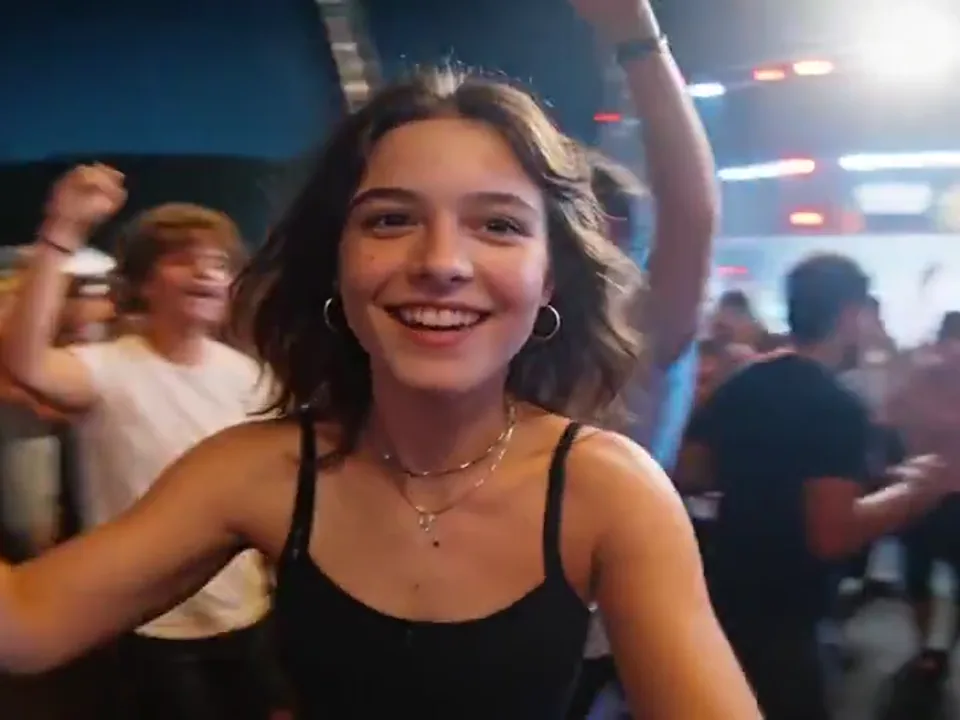
Seedance 2.0 Fast
Create video drafts from text, starting frames or visual references.
Compare MiniMax models
Choose the model and output settings for your next creation.
| Model | MiniMax H3 |
|---|---|
| Output | 768P / 2K |
| Starting credits | 600 |
| 参照 images | 3 |
| Available tasks | text to video, image to video, reference to video |
| Clip duration | 6s |
プランを選択してください
無料画像には透かしが含まれています。クリーンな出力、より高速な生成、商用利用のためにアップグレードします。
Pro
-50%毎年請求 · $120/年
- アップグレード後の上級モデル
- 2,000 月あたりのクレジット
- まで 2,000 速い画像
- まで 250 基本的なビデオ
- 無制限の Seedream 3.5 世代
- 優先キュー
- 透かしなし
- AI画像の一括アップスケーリング
Ultimate
-50%毎年請求 · $240/年
- アップグレード後の上級モデル
- 5,000 月あたりのクレジット
- まで 5,000 速い画像
- まで 625 基本的なビデオ
- 無制限の Seedream 3.5 世代
- 最も優先度の高いキュー
- 透かしなし
- AI画像の一括アップスケーリング
- 完全なプライバシー
Max
-50%毎年請求 · $480/年
- アップグレード後の上級モデル
- 10,000 月あたりのクレジット
- まで 10,000 速い画像
- まで 1,250 基本的なビデオ
- 無制限の Seedream 3.5 世代
- 優先キュー
- 透かしなし
- AI画像の一括アップスケーリング
MiniMax H3 Frequently Asked Questions
Key facts about resolution, sound, duration, references, and credits.
Is MiniMax H3 the same as Hailuo 3?
Yes. MiniMax H3 is the product name used here; Hailuo 3 and Hailuo 03 are common aliases.
Can I turn audio off?
The examples show the model’s audiovisual style. Optional audio generation controls are not exposed in this composer; reference audio cannot be uploaded.
How is MiniMax H3 priced on VoWo AI?
The starting cost is 600 VoWo credits per output. The generate button shows the total for the selected resolution before you submit. Each request creates one output; failed KIE tasks are refunded.
How are reference images charged?
The starting cost is 600 VoWo credits per output. The generate button shows the total for the selected resolution before you submit. Each request creates one output; failed KIE tasks are refunded.
Can I use an audio reference by itself?
This page accepts up to 3 reference images. Choose Image to Video for one starting frame, or Reference to Video for visual guidance. Video and audio uploads are not available in this composer.
What files can reference mode use?
This page accepts up to 3 reference images. Choose Image to Video for one starting frame, or Reference to Video for visual guidance. Video and audio uploads are not available in this composer.
What resolution and duration are available?
This page generates one 6-second clip per request, with 768P, 2K output options.
How should I choose between H3 Turbo and H3?
H3 Turbo provides faster, lower-cost 480P/768P output. H3 adds higher-quality 480P/768P output, plus 2K, multimodal references, and durations up to 15 seconds.