Veo 3.1 AIビデオジェネレーター
Create cinematic video with the existing VoWo Veo workflow.
See Veo 3.1 Cinematic Video in Action
Native audio, realistic materials, complex lighting, and stronger prompt adherence for production-ready clips.
A man adjusts his suit cuff before entering an evening gala. His watch catches chandelier light. Start with a close-up of the ticking hands, then slowly pull back to reveal his composed face. Pro brand-film style, 16:9.
Why Veo 3.1 is built for production-grade video
Google AI Studio's latest Veo release brings richer audio, stronger realism, 4K output, and more control over every shot.
Native audio generated with the scene
Veo 3.1 pairs sound with the visual context of the clip — ambient audio, dialogue, effects, footsteps, and surface cues generated in the same pass as the video. For story-driven clips, ads, and social content, the output starts much closer to a finished cut.
4K realism with flexible aspect ratios
The latest Veo 3.1 release supports stunning 4K output plus configurable 16:9 landscape and 9:16 portrait formats. That makes it easier to create one cinematic idea for brand films, product spots, reels, and vertical social placements without rebuilding the brief from scratch.
Stronger realism and prompt adherence
Light, shadow, fabric, camera motion, and real-world physics read more naturally in Veo 3.1. It follows the creative brief more closely, so detailed scene descriptions land with less drift and fewer generic stock-video compromises.
Faster iteration and advanced controls
Veo 3.1 adds updated reference-image capabilities for character and style consistency, plus creative controls for extending clips and creating seamless transitions. Veo 3.1 Fast is tuned for speed and price when you need to test more ideas before choosing the final cut.
Explore other models
Switch between top video models in one generator.
Gemini Omni Flash
Turn text and image references into short video concepts.
MiniMax H3
Develop video scenes from text, images or visual references.

Seedance 2.5
Shape a video scene with text, starting frames or visual references.
Seedance 2.0
Direct motion and composition with text or visual references.
Seedance 2.0 Mini
Try video ideas with a compact Seedance workflow.
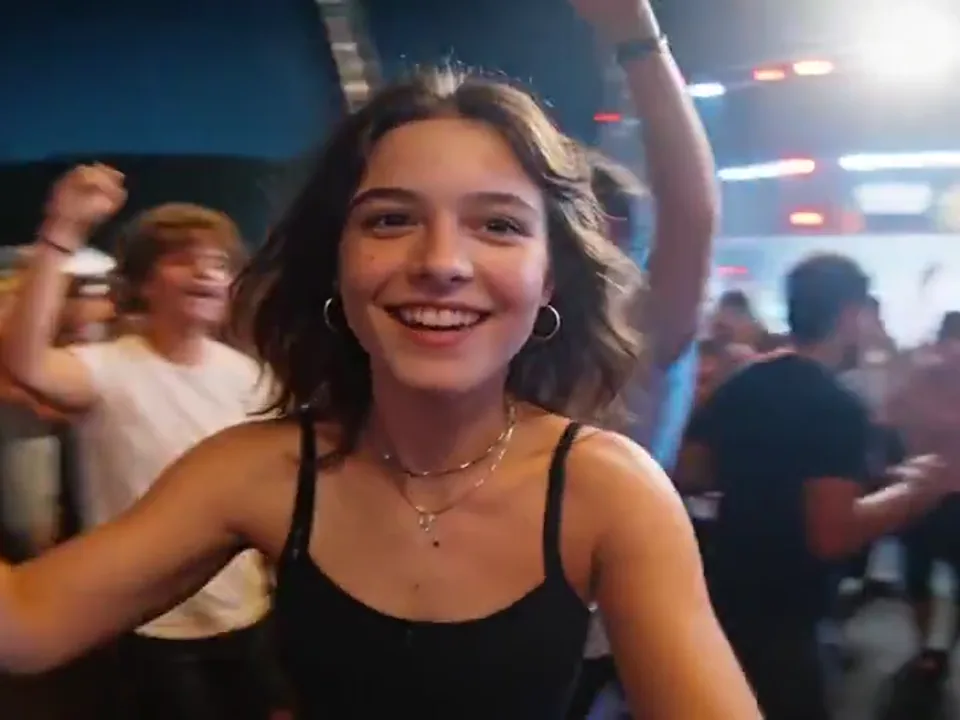
Seedance 2.0 Fast
Create video drafts from text, starting frames or visual references.
プランを選択してください
無料画像には透かしが含まれています。クリーンな出力、より高速な生成、商用利用のためにアップグレードします。
Pro
-50%毎年請求 · $120/年
- アップグレード後の上級モデル
- 2,000 月あたりのクレジット
- まで 2,000 速い画像
- まで 250 基本的なビデオ
- 無制限の Seedream 3.5 世代
- 優先キュー
- 透かしなし
- AI画像の一括アップスケーリング
Ultimate
-50%毎年請求 · $240/年
- アップグレード後の上級モデル
- 5,000 月あたりのクレジット
- まで 5,000 速い画像
- まで 625 基本的なビデオ
- 無制限の Seedream 3.5 世代
- 最も優先度の高いキュー
- 透かしなし
- AI画像の一括アップスケーリング
- 完全なプライバシー
Max
-50%毎年請求 · $480/年
- アップグレード後の上級モデル
- 10,000 月あたりのクレジット
- まで 10,000 速い画像
- まで 1,250 基本的なビデオ
- 無制限の Seedream 3.5 世代
- 優先キュー
- 透かしなし
- AI画像の一括アップスケーリング
Veo 3.1 — Frequently Asked Questions
What Veo 3.1 is, how it compares to other AI video models, and how to use it on VoWo AI.
What is Veo 3.1?
Create cinematic video with the existing VoWo Veo workflow. Guide the scene with a prompt, an opening image or reference images.
What changed from Veo 3 to Veo 3.1?
Veo 3.1 adds stronger realism, better prompt adherence, richer native audio, 4K output, configurable landscape and portrait formats, and updated reference-image controls. In practice, it gives creators more control and fewer throwaway generations.
What does native audio mean?
The reference examples demonstrate the model’s audiovisual style. This composer uses the existing Veo workflow; available sound options follow the selected model.
How does Veo 3.1 compare to Seedance 2.0 or Kling 3.0?
Seedance 2.0 leads on natural human motion. Kling 3.0 is strong for high-motion shots and bold camera moves. Veo 3.1 leads on cinematic realism, native audio, prompt adherence, 4K output, aspect ratios, and reference-image controls.
What is Veo 3.1 best for?
Create cinematic video with the existing VoWo Veo workflow. Guide the scene with a prompt, an opening image or reference images.
How is Veo 3.1 priced on VoWo AI?
The starting cost is 300 VoWo credits per output. The generate button shows the total for the selected resolution before you submit. Each request creates one output; failed KIE tasks are refunded.